
How do I rename my field plans?
Legacy

Tap
ROUTE PLANNER.Tap
PLANS.Select the Location for the plan whose name you wish to change.
Select the desired plan and tap
EDIT.On the Edit Plan screen, you can change the name in the text box where the name appears.
Tap
OKto save.
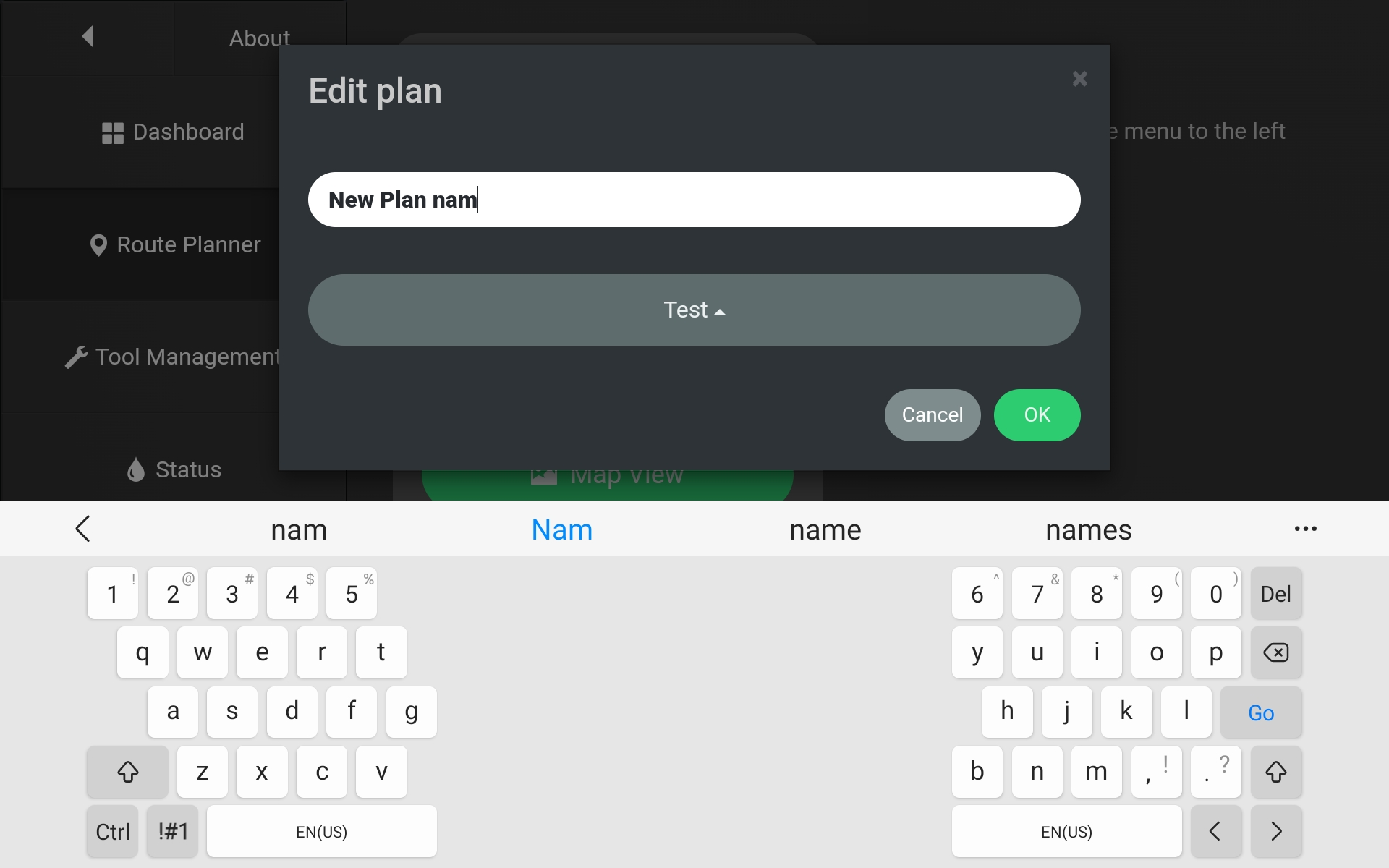
Typing a new field plan name into the Edit Plan screen.
Turf Tank Control

Select the field plan whose name you wish to change. You can do this from any screen or view where fields appear: Fields List, Map View, Edit View.
Click on the field plan name..
A keyboard will appear, allowing you to enter any changes to the name you wish.
Click
DONEon the keyboard to finish editing the name and return to the previous view. The app will sync the new name to the cloud right away if the Tablet has an internet connection.
Editing the field plan name in three different screens of the Turf Tank Control App
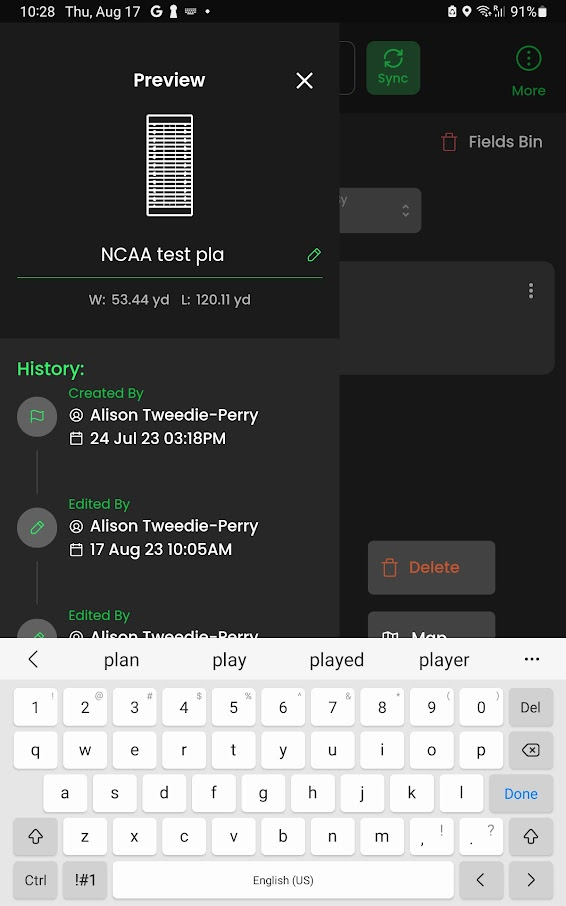
Field List View
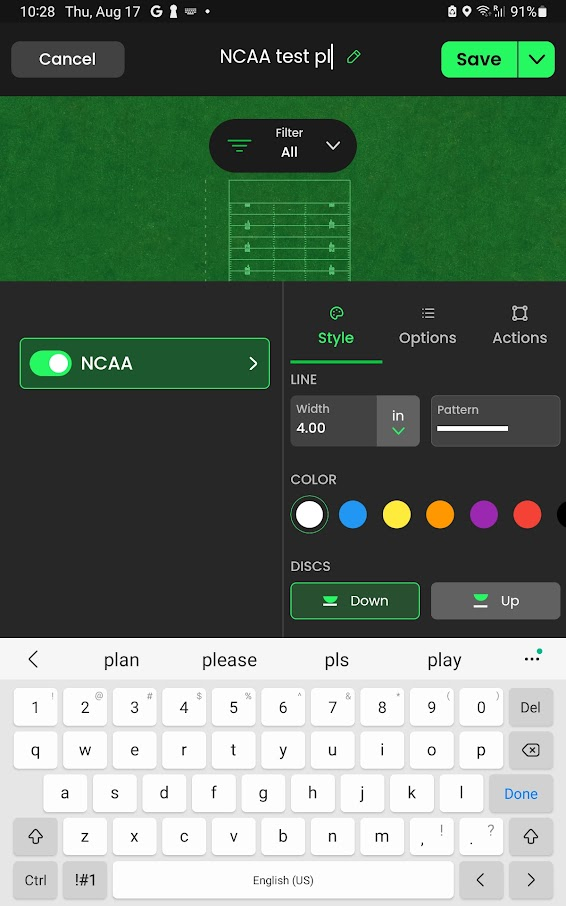
Edit View
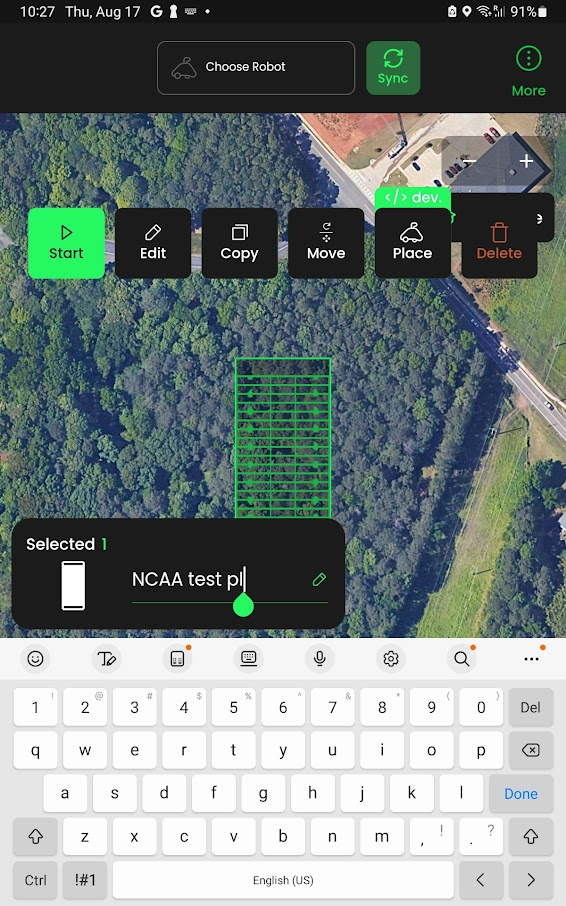
Map View