
What do the flashing lights on the Turf Tank Two mean?
The control panel of the Turf Tank Two contains several buttons. Each button has a small light that changes colors and lighting patterns. Here is what they mean:
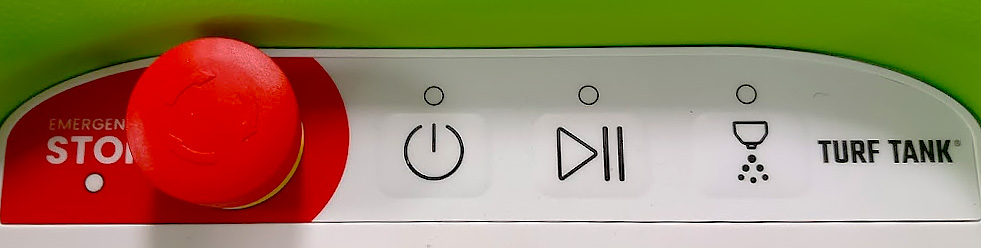
Turf Tank Two control panel
Button | State | Meaning |
|---|---|---|
Power  | Pulsating Green | Robot is starting up. |
Solid Green | Robot is fully powered up and active. | |
Blinking Red | Robot is in an unrecoverable error state. Restart required. | |
Pulsating Orange | Robot is updating. | |
Play/Pause  | Pulsating Green | Job is paused. |
Solid Green | Job in progress. | |
Blinking Red | Unable to start job. Check Robot Info in app for error details. | |
Spray  | Solid Green | Sprayer is running. |
Solid Red | Sprayer error. | |
Light Off | Sprayer is idle. | |
Emergency Stop 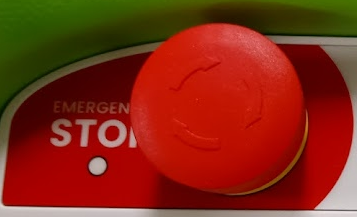 | Blinking Red | Emergency Stop is engaged. |
Light Off | Emergency Stop is not engaged. |
The colored lights appear in the small circles above the symbols, except the Emergency Stop light, which is located under the word “STOP.”