
Duplicating a Position

CAUTION: This is an advanced procedure. Please only follow these instructions with the guidance and supervision of Turf Tank Support.
If you have more than one Turf Tank Robot, you can set up your system to use the ComNav Base Stations interchangeably.
To do this, you will set all the possible field positions on one ComNav Base Station, then copy those positions to another. You can do this on as many Base Stations as you like.

When you copy the contents of one Base Station to another, ONLY the contents of the first Base Station remain. You CANNOT combine the different positions from each so they appear on both.
Use a USB-to-LEMO cable to connect the Base Station to a computer.
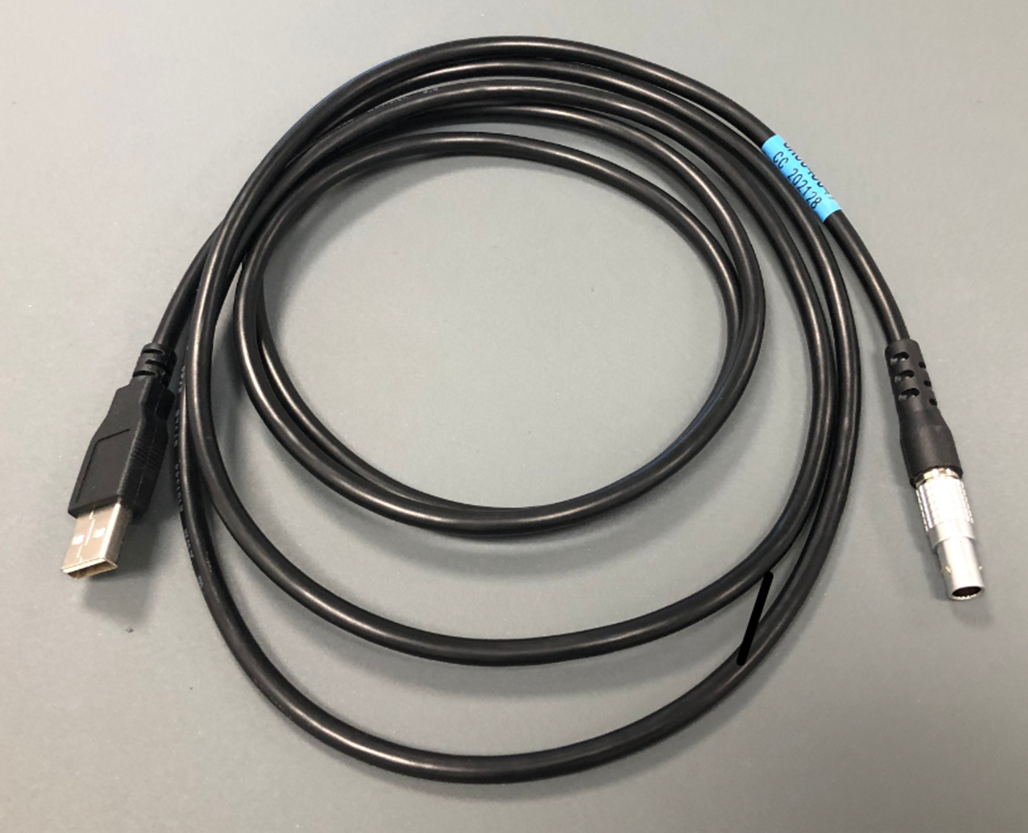
USB to LEMO 7-pin cable.
In the computer’s file system, the Base Station will appear as a flash drive does, with a temporary drive letter (such as “G://”).
On that “drive,” find the file called bestpos.db This file should appear on the root (main) level of the drive
Copy the file to the computer’s desktop or to its main drive in a folder you can find easily.
Disconnect the Base Station from the computer.
Connect the new Base Station to the computer in the same manner as before. The new Base Station will also appear as a flash drive with a temporary drive letter.
Copy the bestpos.db file you saved on the computer to new Base Station’s “drive.”
You will be asked if you wish to overwrite the existing file of that name.
Select
YES.
The two Base Stations now contain all the same saved positions.
If you add a new saved position to one of the Base Stations, you should repeat this process to keep both Base Stations the same.