
Install ComNav Rover
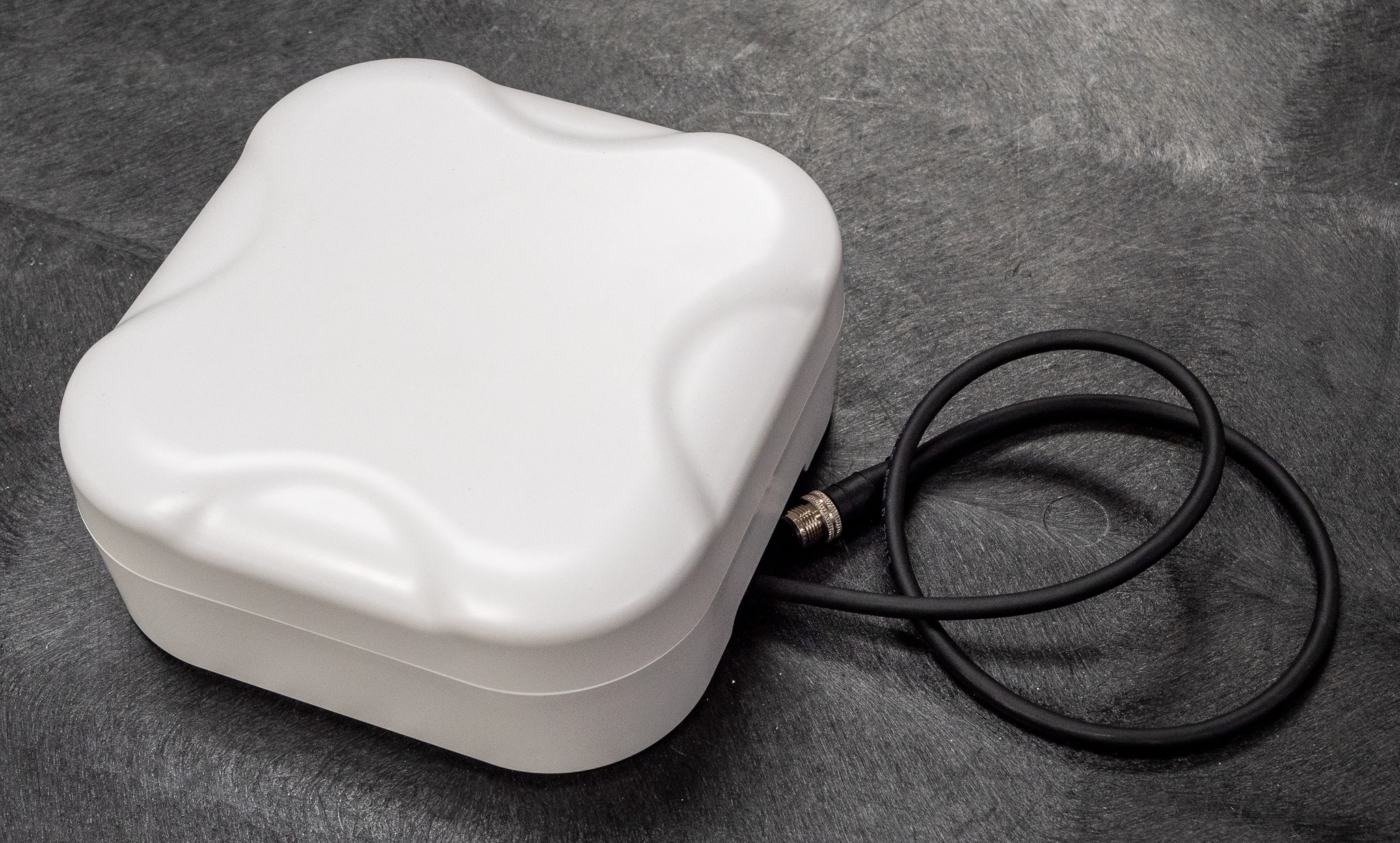
ComNav Rover top
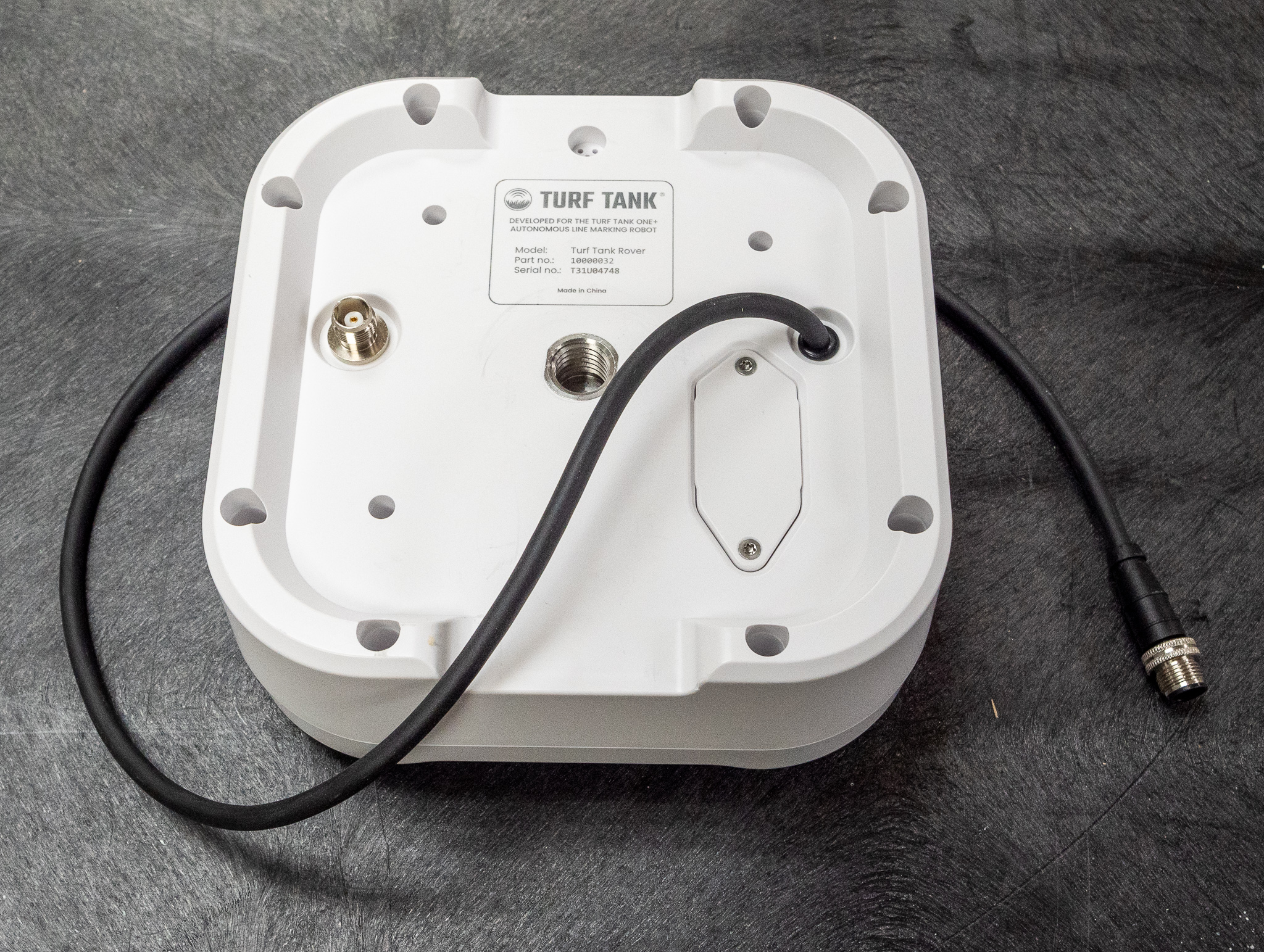
ComNav Rover bottom
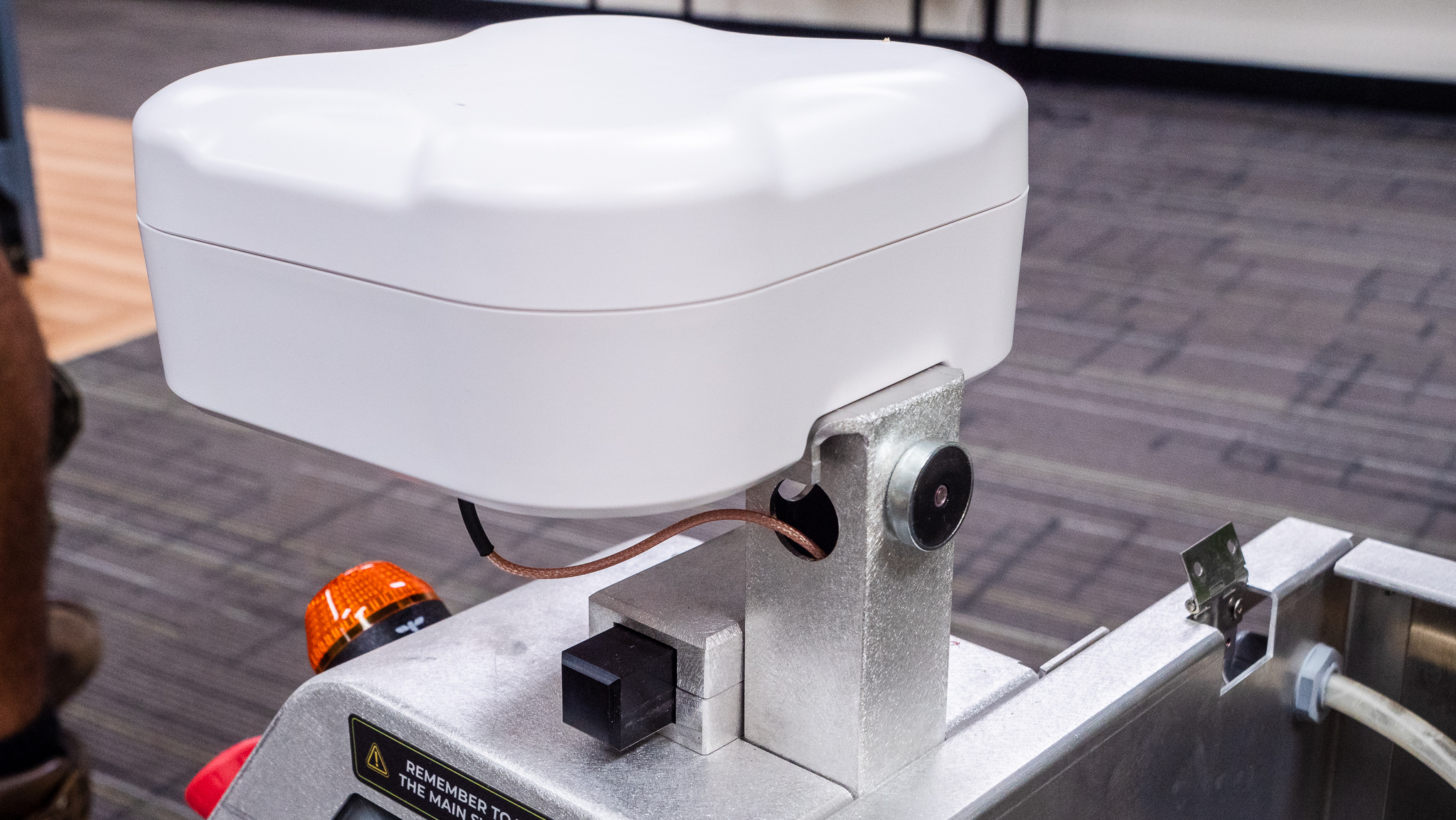
Installed ComNav Rover
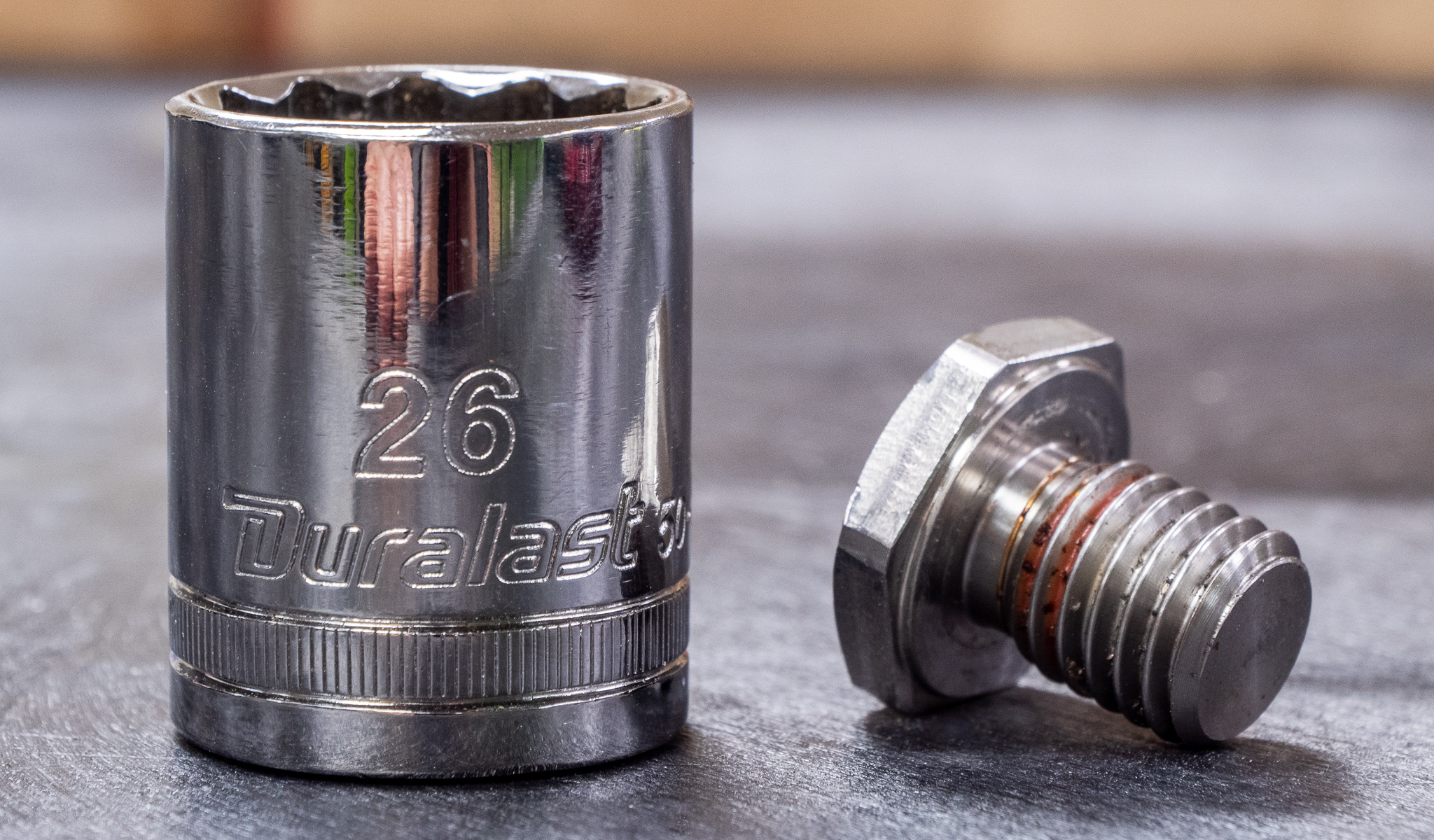
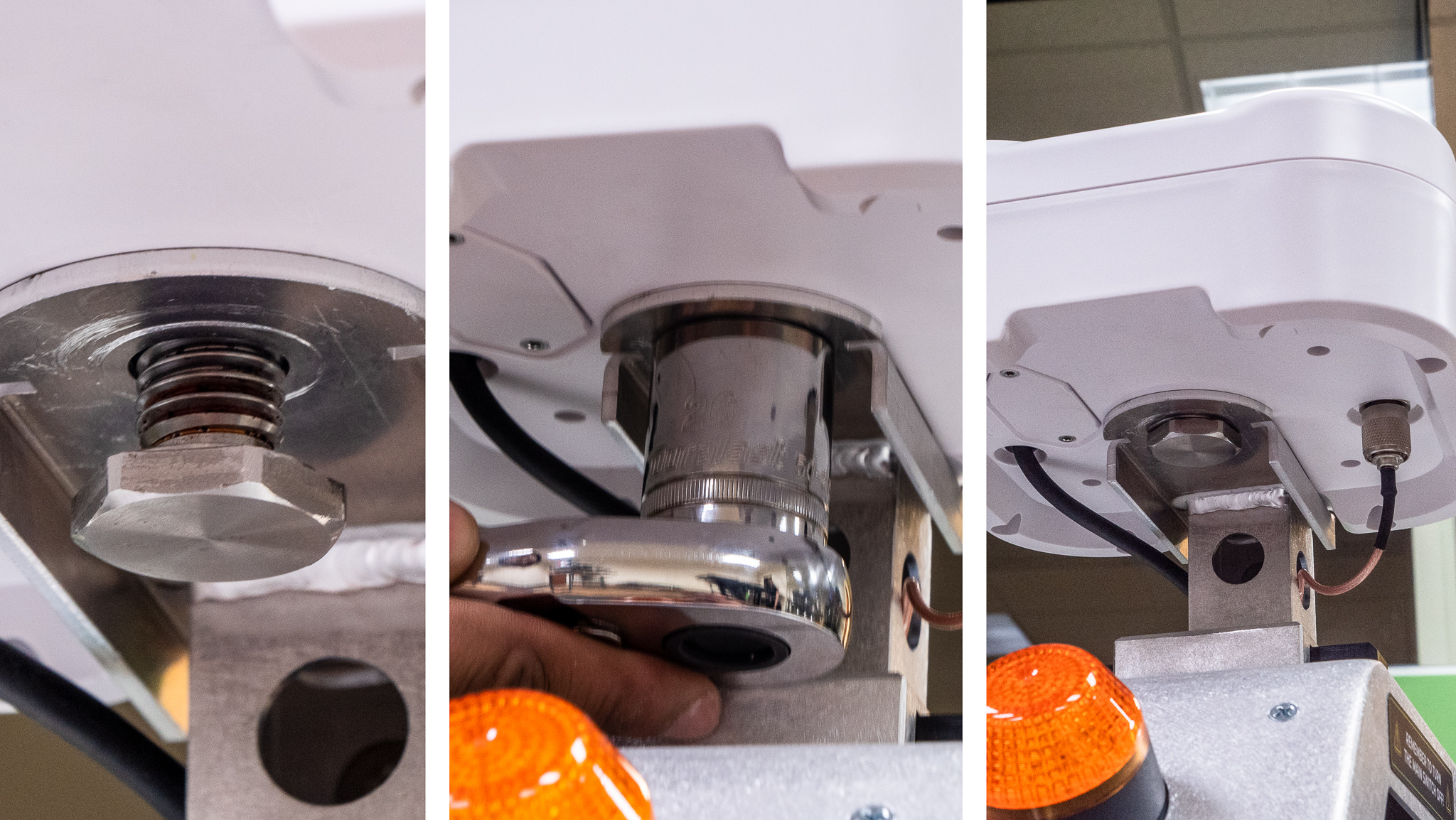
26 mm hex socket and Rover bolt
1
2
3
Install ComNav Rover
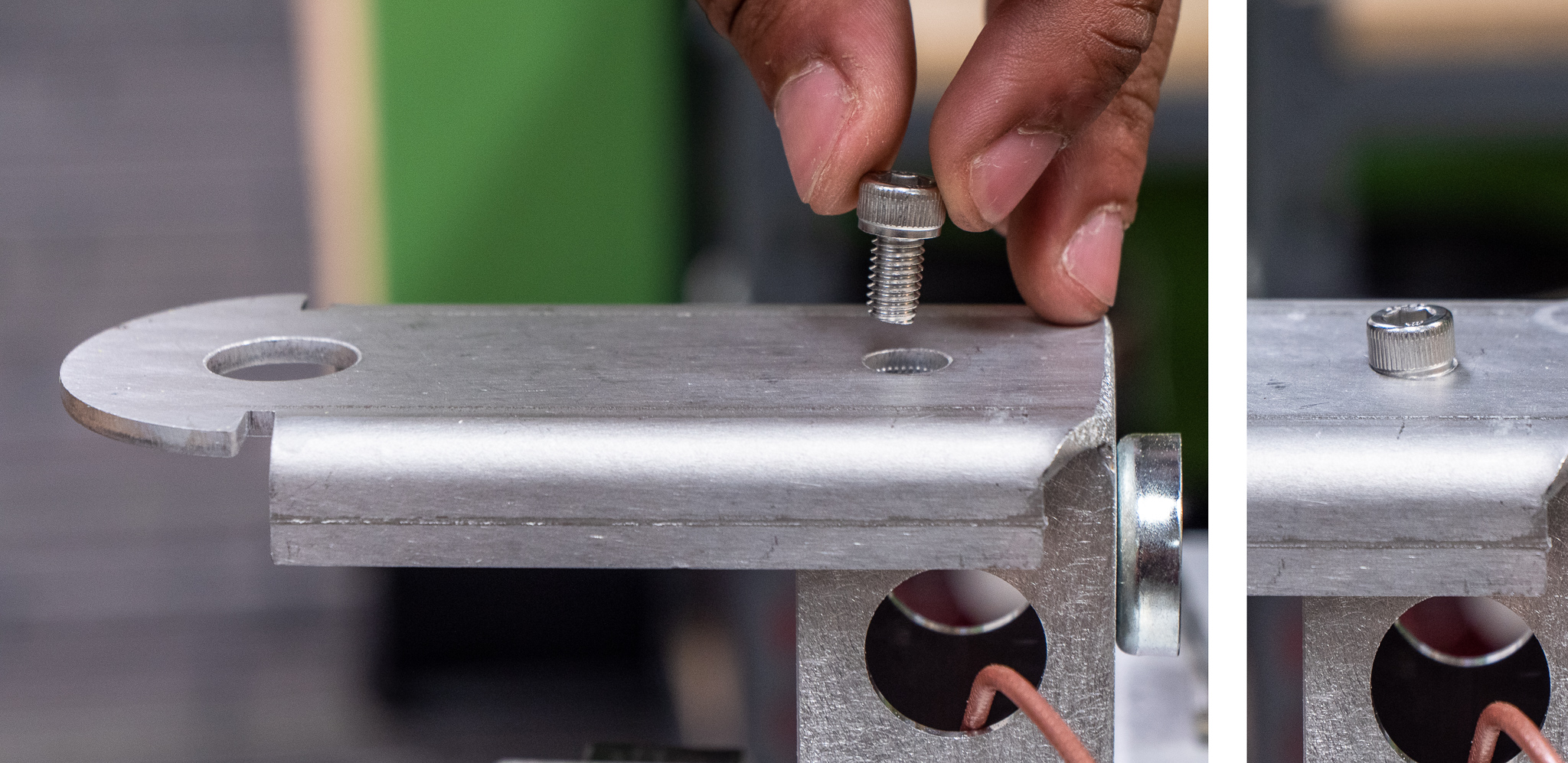
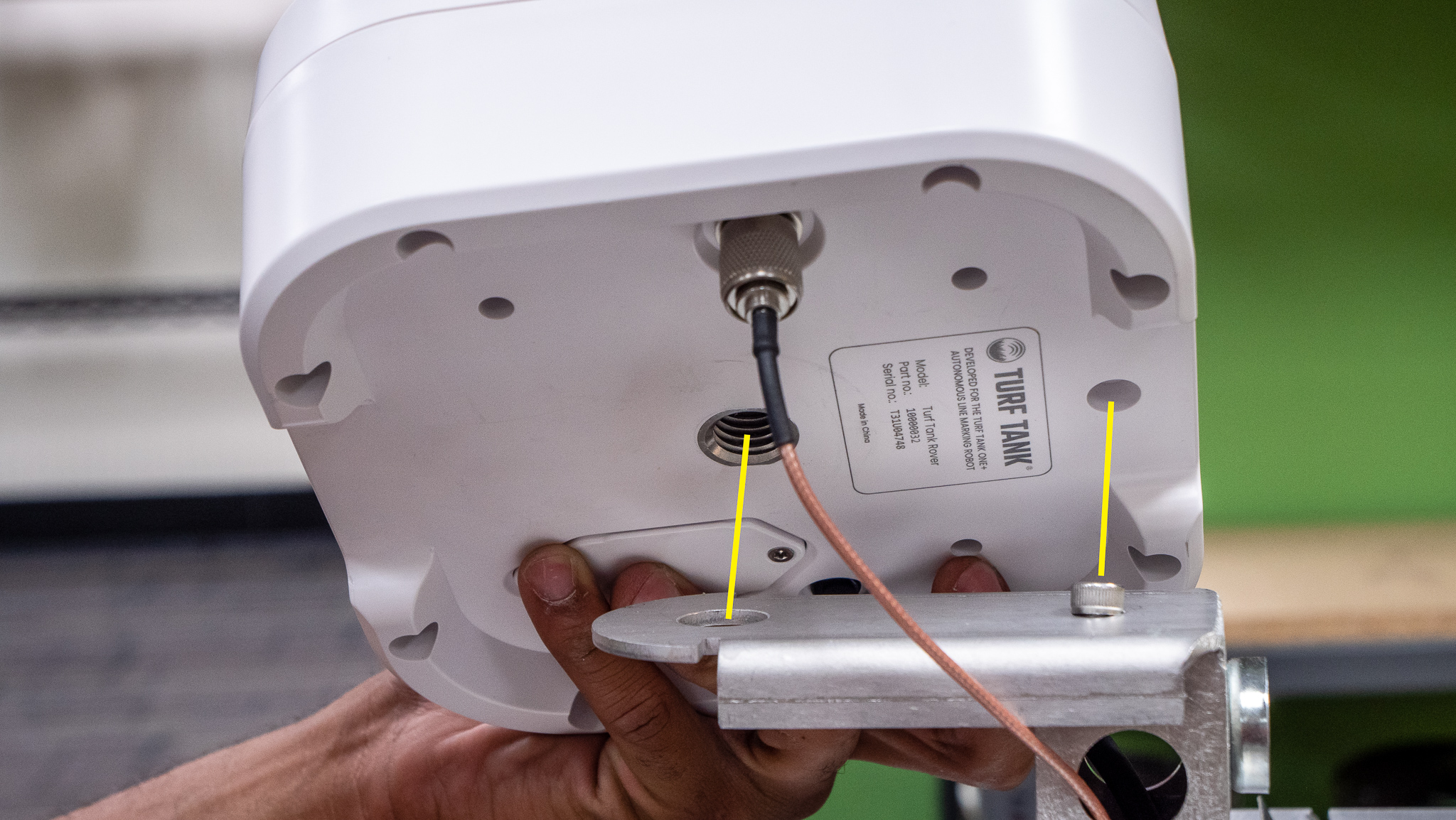
Insert the aligning screw onto the Rover column. It does not screw in and functions to align the Rover, not secure it.
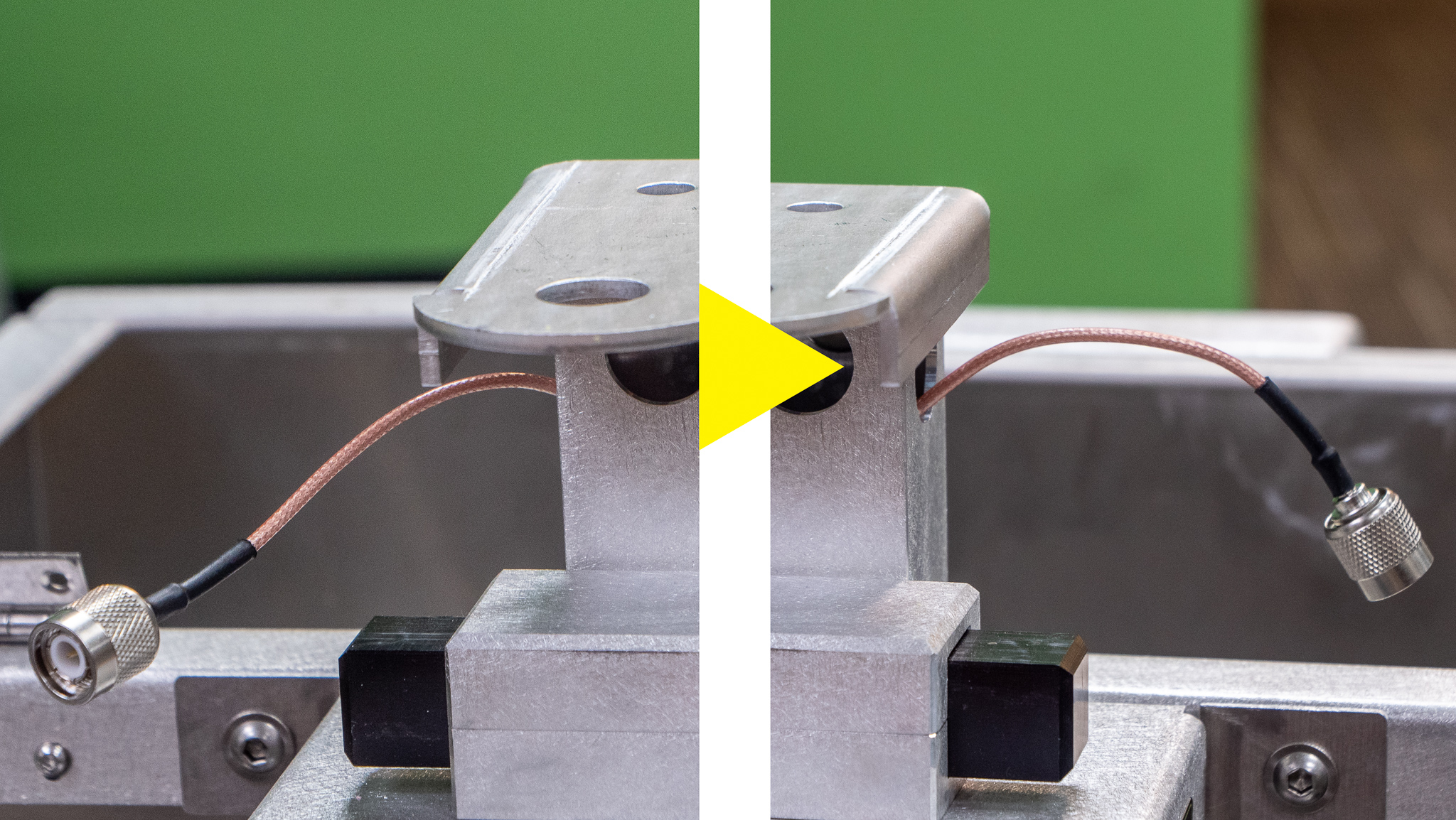
Pull the coaxial Antenna cable through the Rover column from its current position to the opening on the other side (see photo 2).
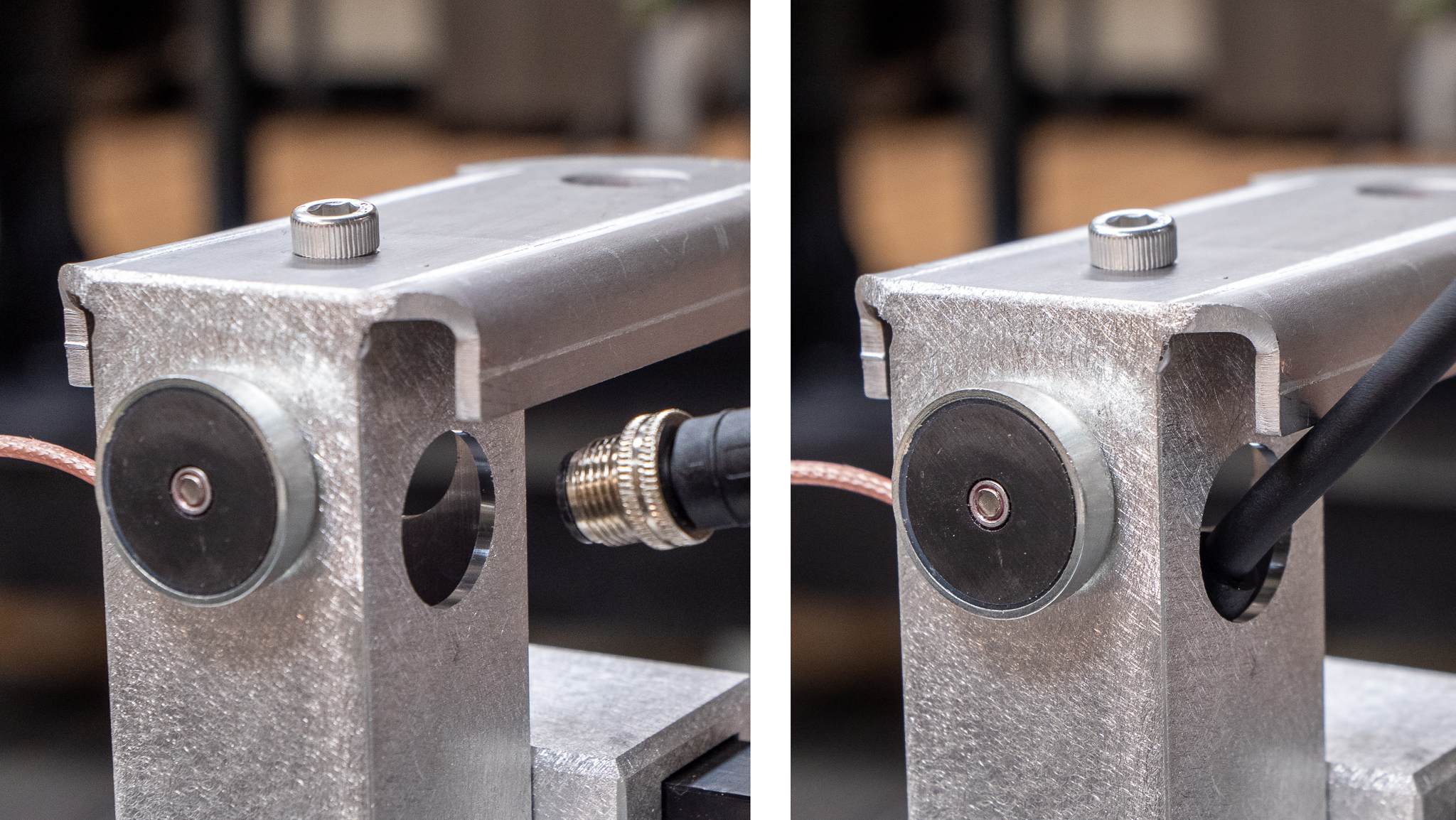
Guide the black Rover cable down through the Rover column to the Control Unit area.
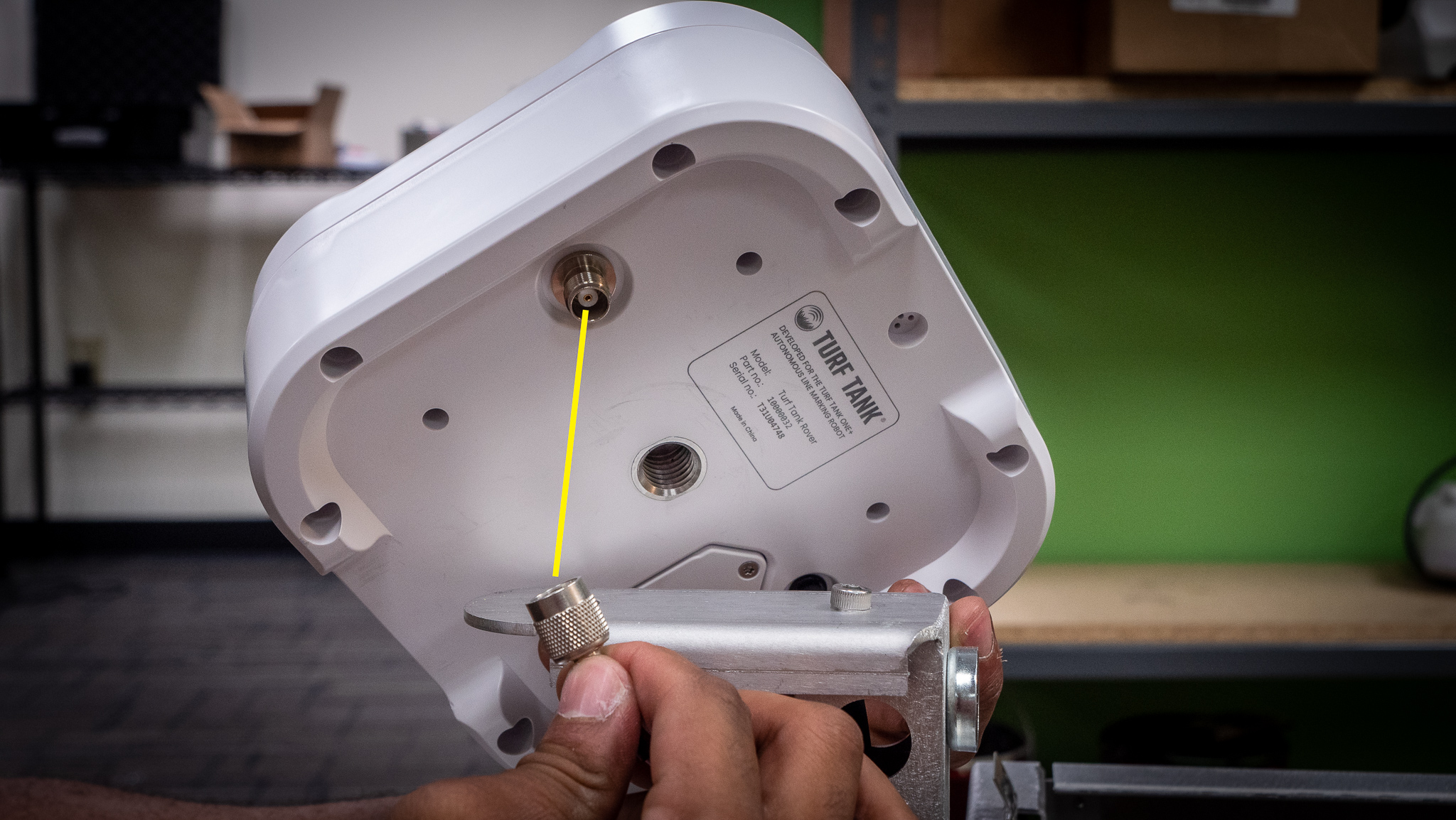
Connect the Antenna’s coaxial cable to the port on the bottom of the Rover.
Position the Rover onto the aligning screw.
Secure the Rover to the column by threading and tightening the bolt using the 26 mm hex socket wrench.
4
5
6