Knox Profile Update Process
Knox is the Samsung security protocol that controls the Galaxy Tab Active3 tablets we supply with the Turf Tank System. From time to time, Knox may need to be updated. If you are told to update Knox or to “Apply a new Knox profile,” follow these instructions.
Android 12 and earlier:
Enter Tablet Settings (gear on pull-down menu).
Scroll down to
TABLET INFORMATION.Tap
SOFTWARE INFORMATION.Tap
KNOX CONFIGURATION.Tap
APPLY LATEST KNOX PROFILE.
The update will begin automatically.
Android 13 and later:
Enter Tablet Settings (gear on pull-down menu).
Scroll down to
ADVANCED FEATURES.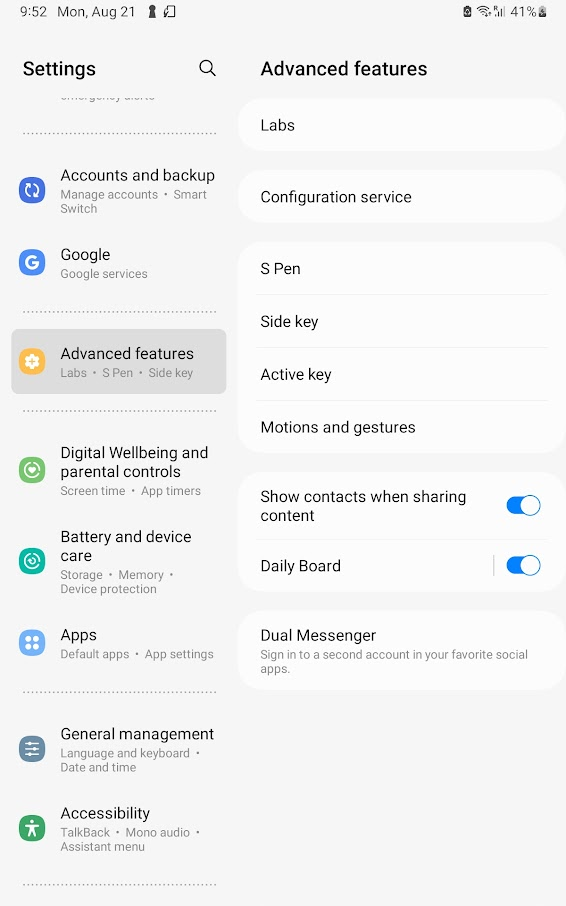
Tap
CONFIGURATION SERVICE.Tap
PROFILE INFORMATION.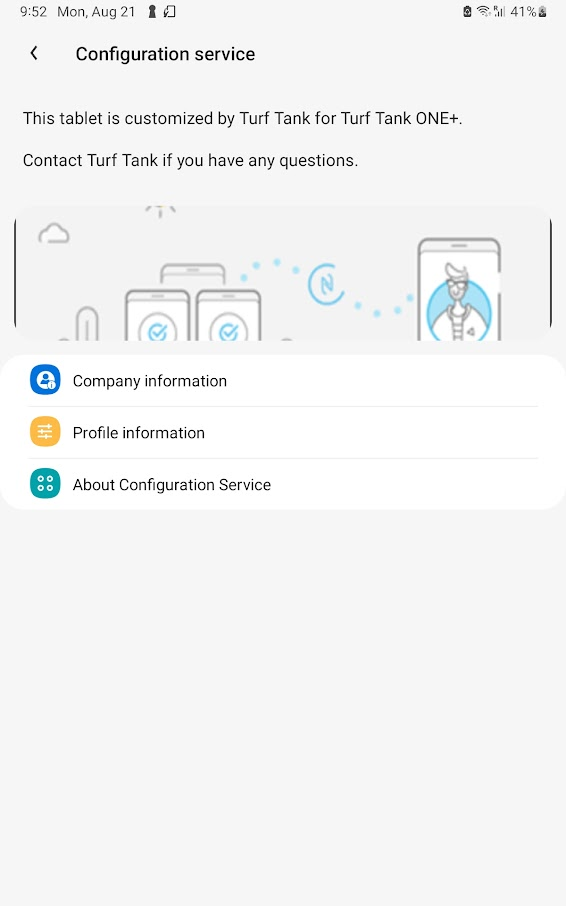
Tap
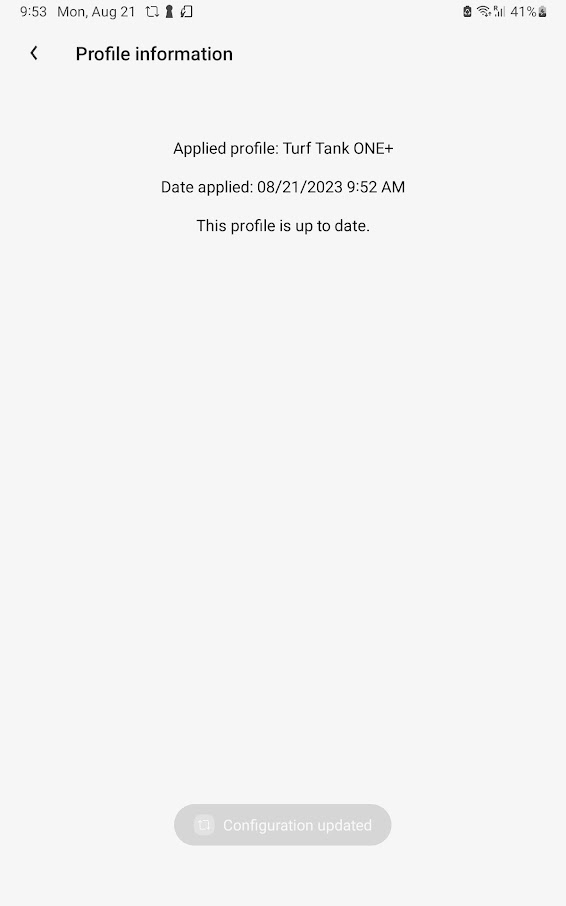
UPDATE.
The update will begin automatically. You will be returned to the Profile Information page and be informed that the update has completed.