
Logo Colors
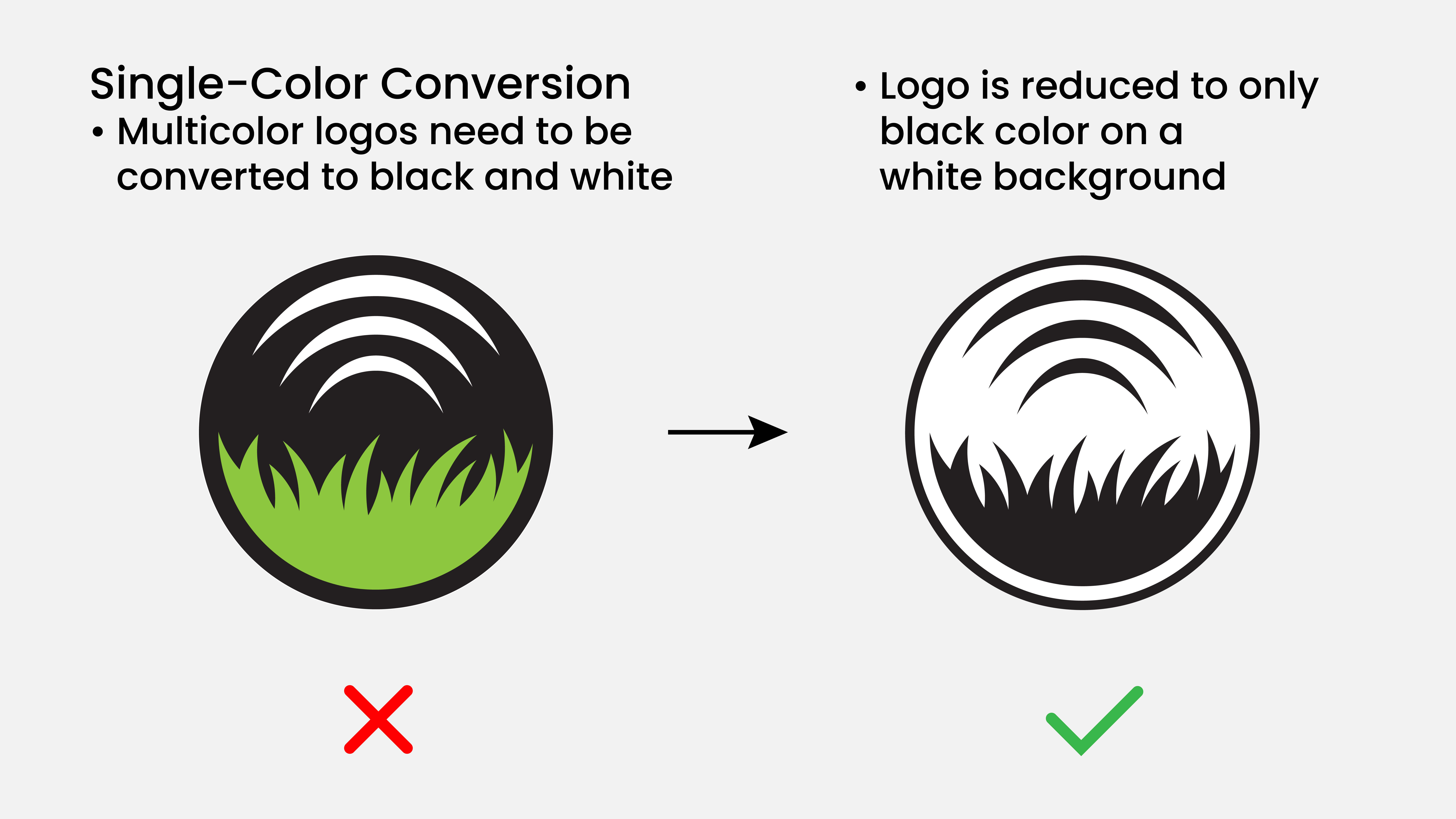
The Robot needs a stencil-type image to paint in one color, so a logo file must begin in black and white or all colors must be removed and the image changed to black or white.
Color Preference Chart
Preferred | Secondary | Last Resort |
|---|---|---|
|
|
|
Why | Why | Why |
A black and white image is the fastest for the Logo Team to process into a logo.
| The Logo Team can convert a colored image into a black and white image.
| The Robot cannot paint gradients. Choosing which colors to make white or black is subjective.
|
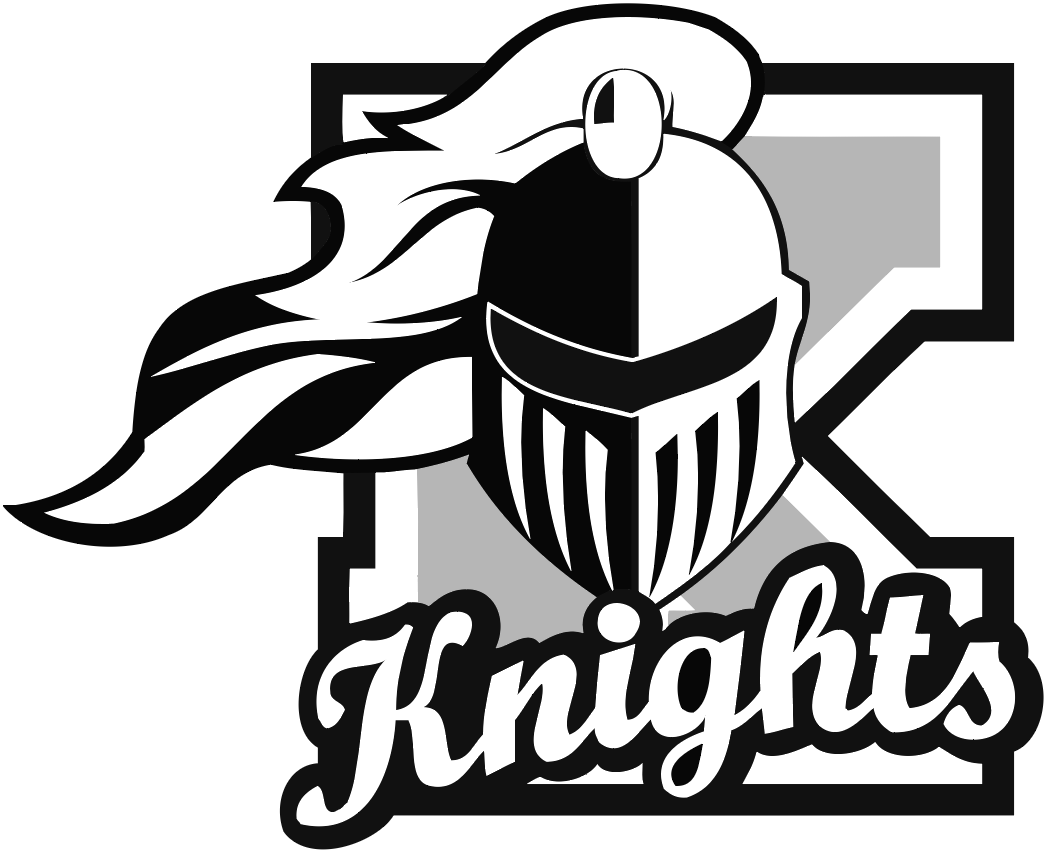
Example of a multicolor logo submission. The gray, though technically a tint of black, counts as a separate color and will need to be converted to 100% black or white.
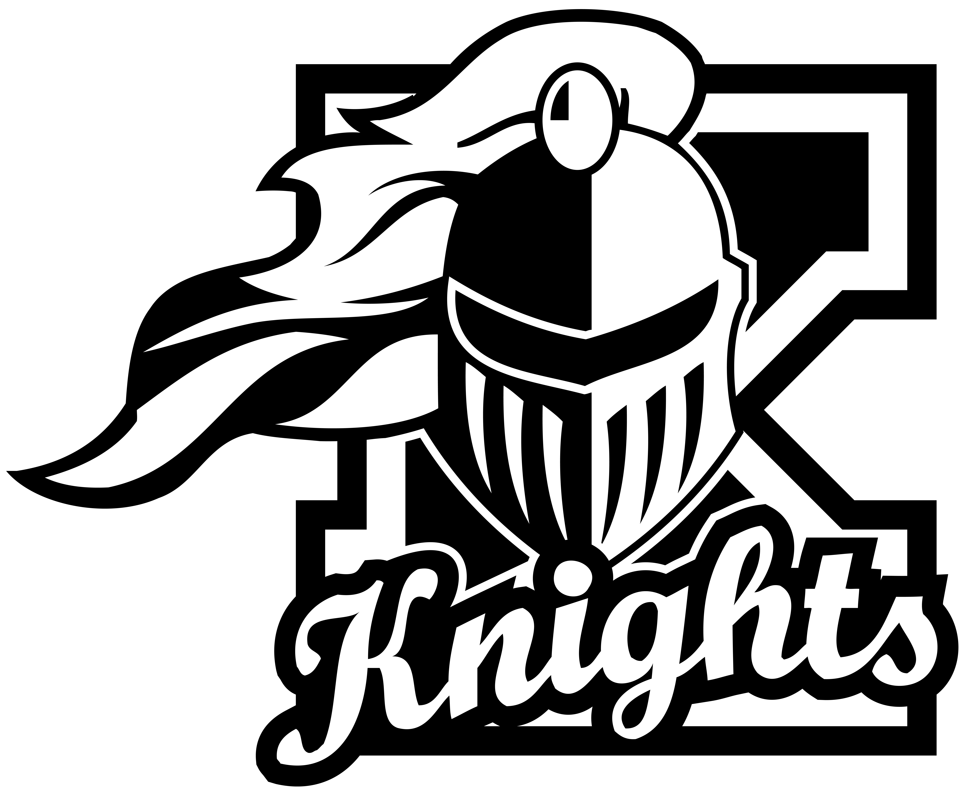
The completed B&W logo after Logo Team edits. The gray has been changed to 100% black, and a white outline has been added to separate those areas from existing black regions.