
Replace the Rover Neck/Column
Detach Neck/Column
Tools Required
4 mm hex wrench
Ensure all power to the Robot is off.
Make sure the Rover is detached and its cord has been pulled free of the column neck/column.
Remove screw securing stem at the bottom of the neck/column.
Gently lift out the neck/column until it is free of the Robot.
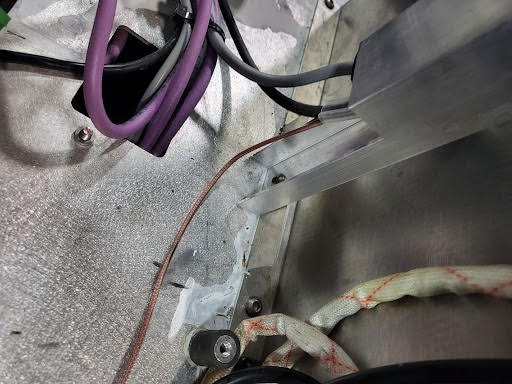
Screw at the column base
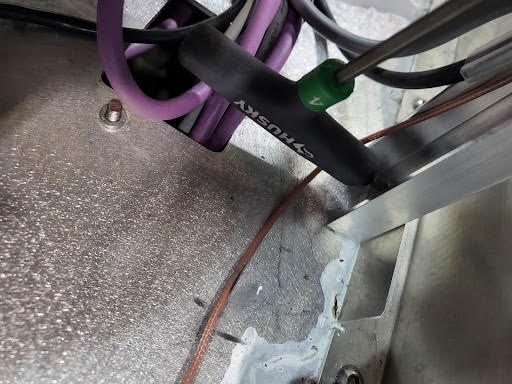
Remove screw with a 4 mm hex wrench
Click to enlarge photos.
Attach New Neck/Column
Follow the instructions above in reverse.
Set the neck/column in place to align the screw hole on the neck/column with the screw hole on the Robot chassis.
Use the screw that was removed to secure the neck/column, tightening with a 4 mm hex wrench.