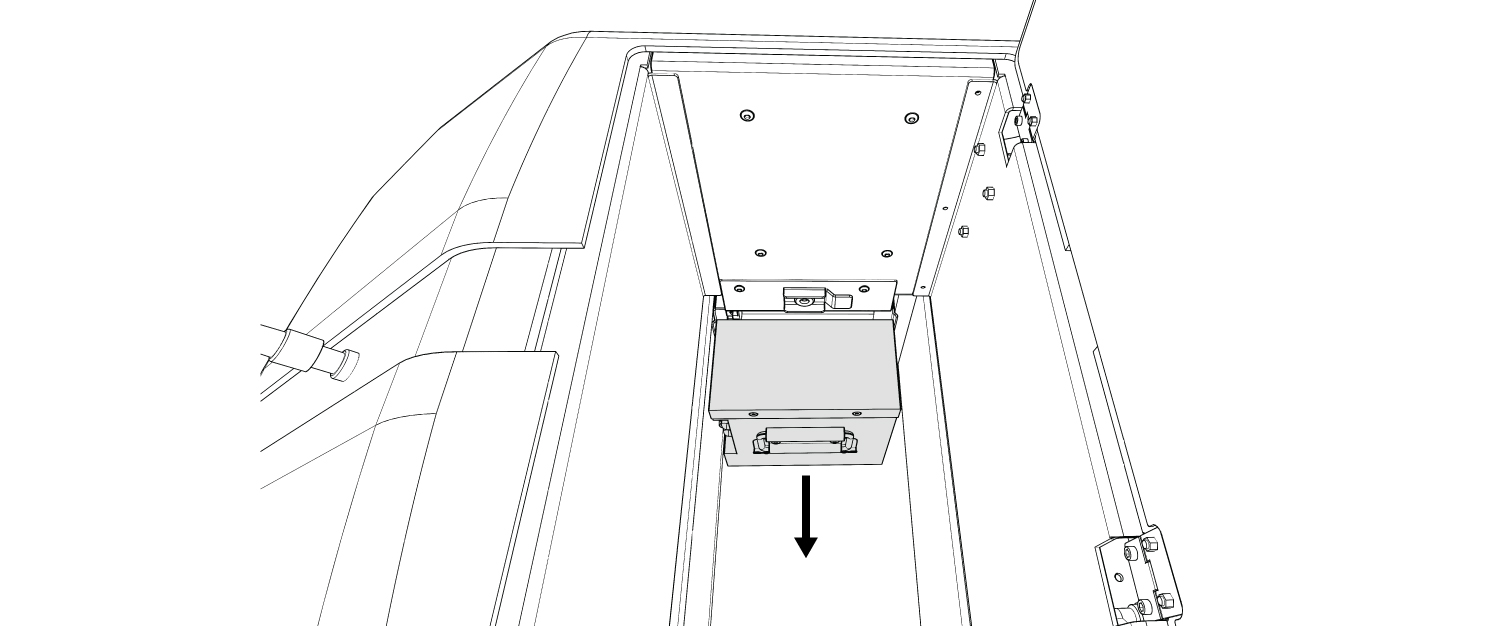
Install Robot Battery
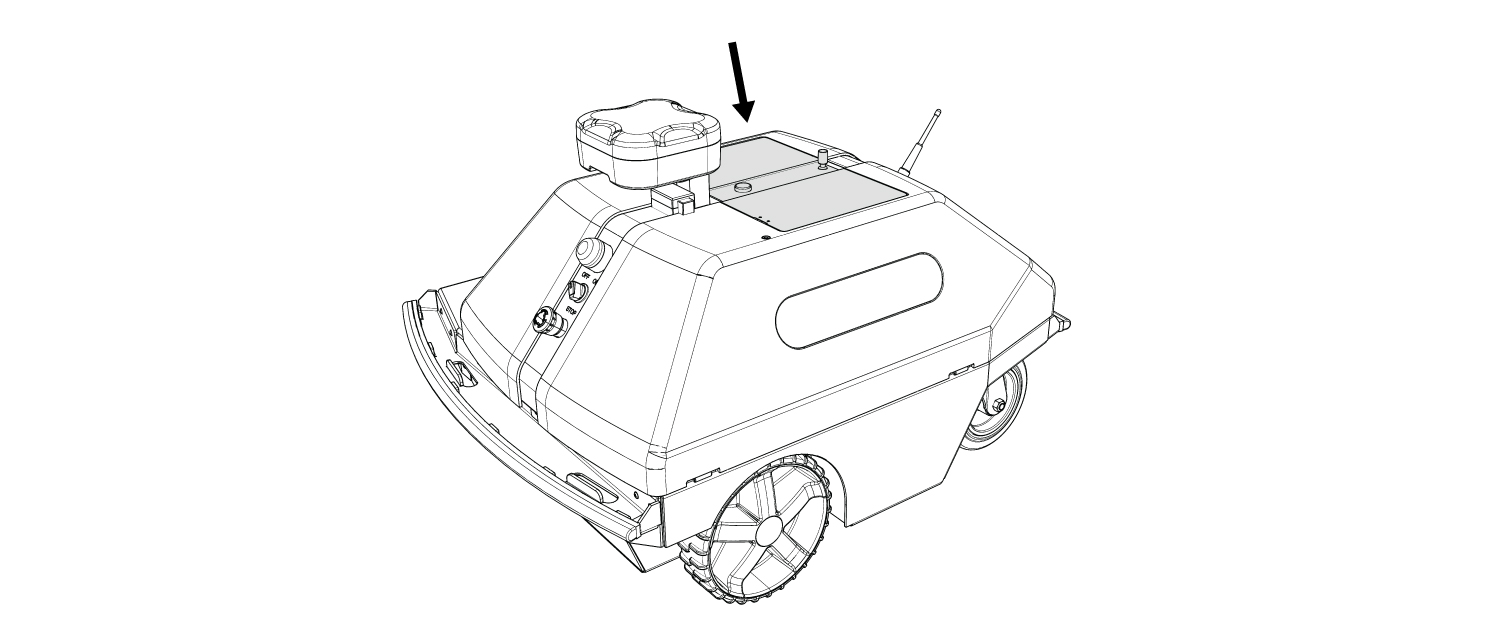
1. Open the Battery/Paint Compartment Lid.
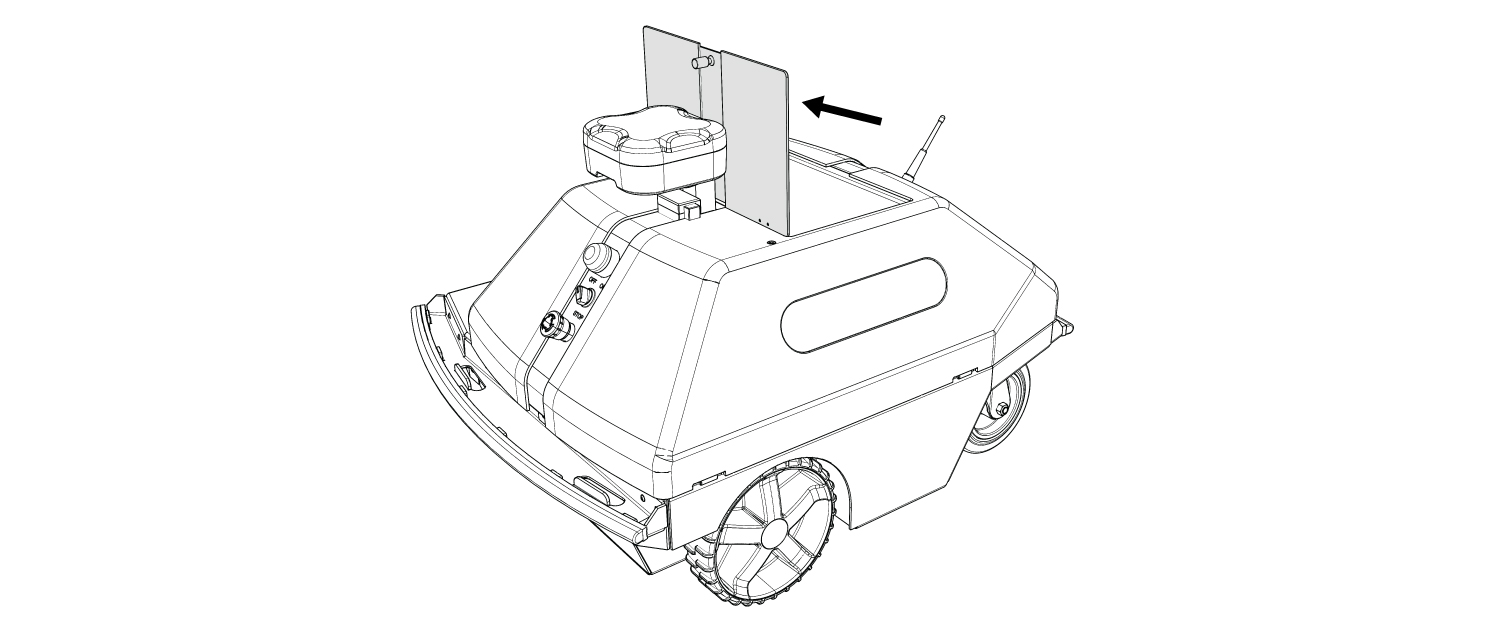

Remove the paint jug from the Battery/Paint Compartment before attempting to insert the Battery.
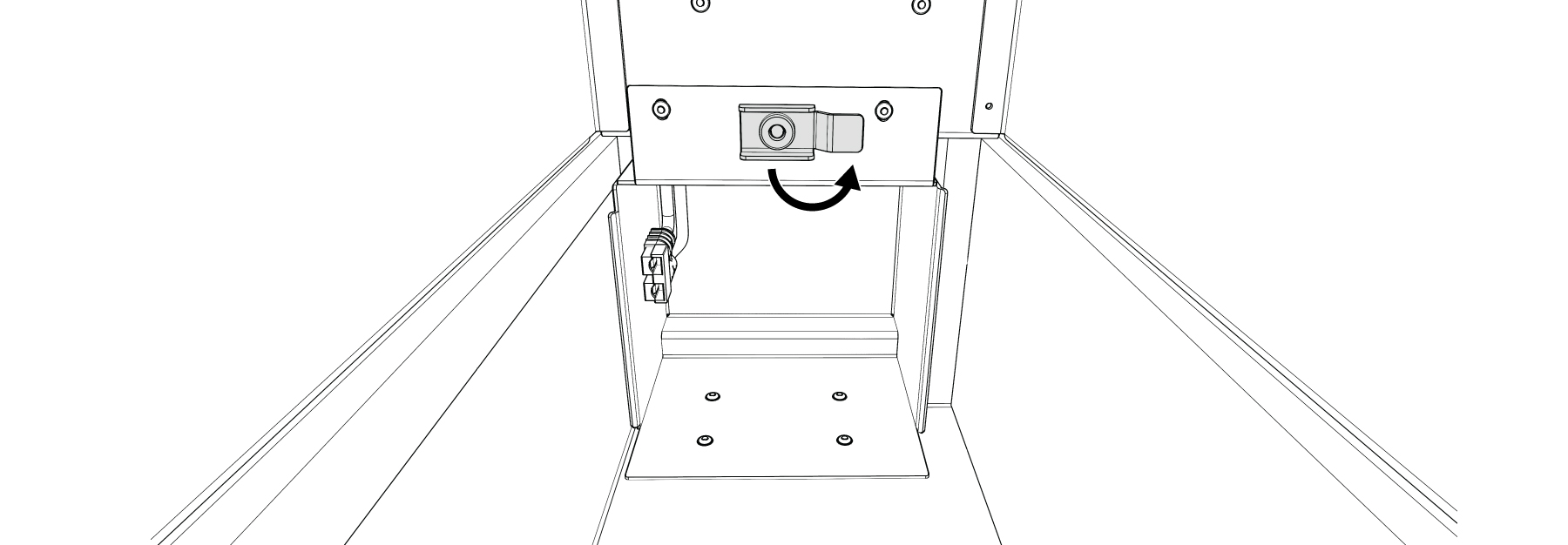
2. Rotate the Battery Lock clear of the Battery Box opening.
3. Grip the handle on the Battery, which will face the Battery’s power connectors in the proper direction.
4. Firmly push the Battery into the Battery Box until it is fully seated.
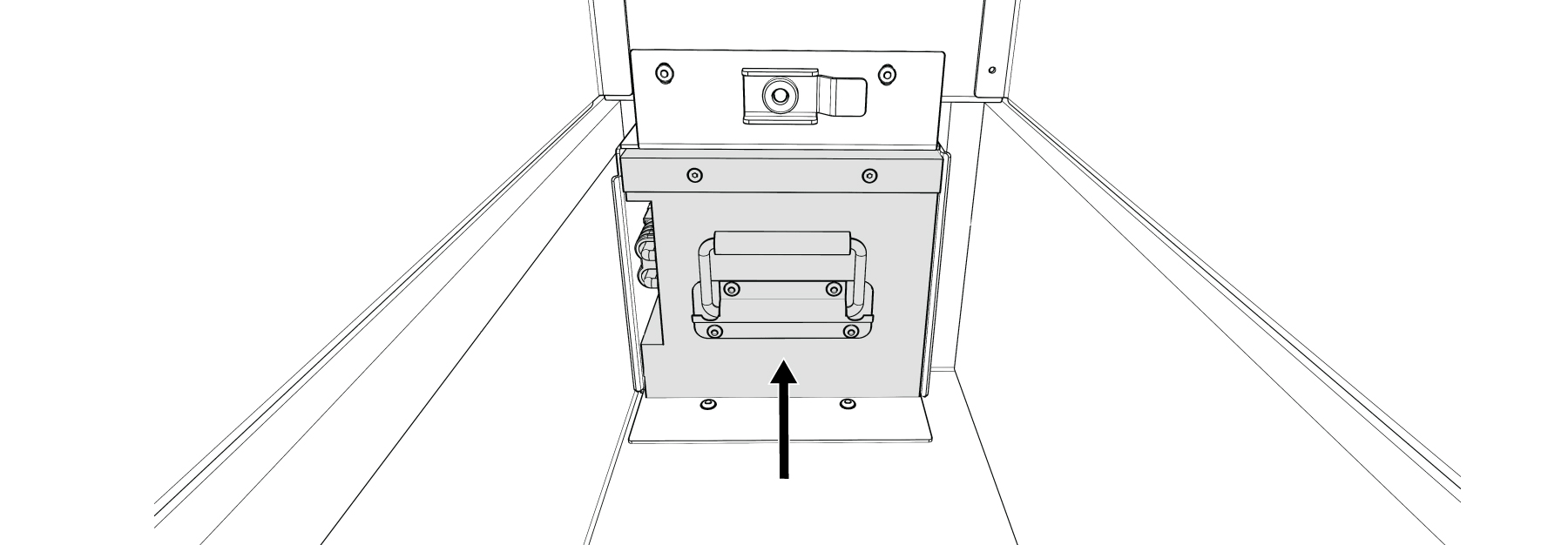
5. Rotate the Battery Lock down to secure the Battery.

6. Close Battery/Paint Compartment Lid.
Remove the Robot Battery

Make sure the power (Ignition and Breaker) to the Robot is OFF before removing the Battery.
Reverse the steps above.
When pulling the Battery from the Battery Box, pull it out straight to disengage the connectors cleanly without twisting.