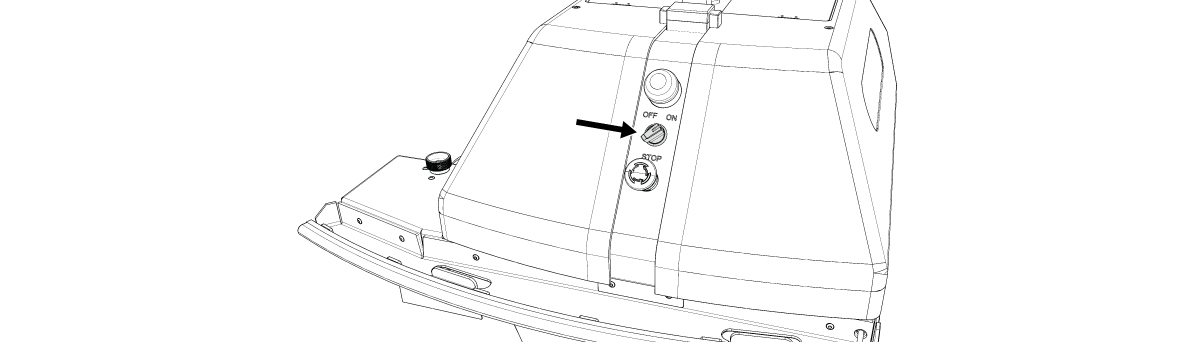
Start the Robot

Battery must be inserted before the Robot can be turned on. https://support.turftank.com/product-manual-turf-tank-one-plus/current/install-robot-battery
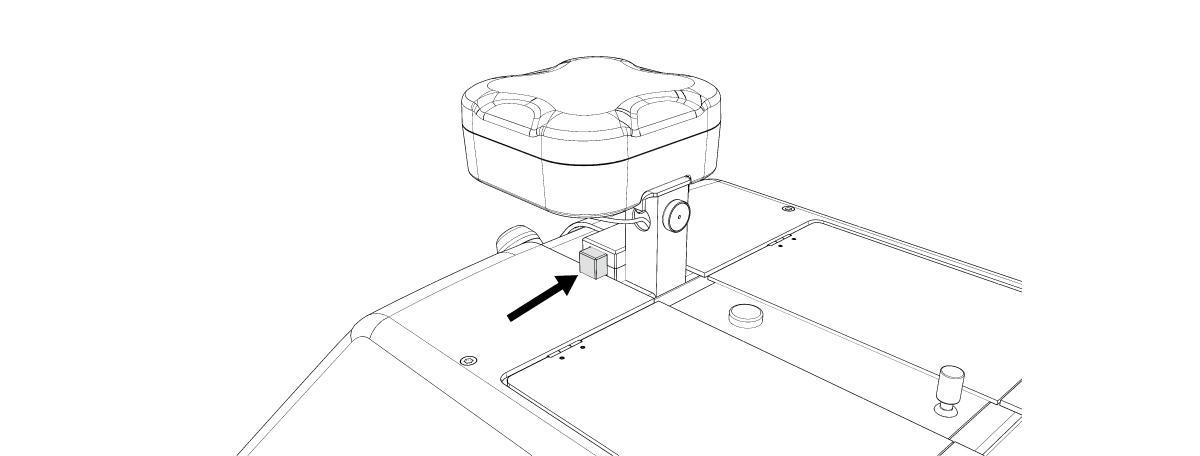
1. Push the Shield Lock for the Left Shield.
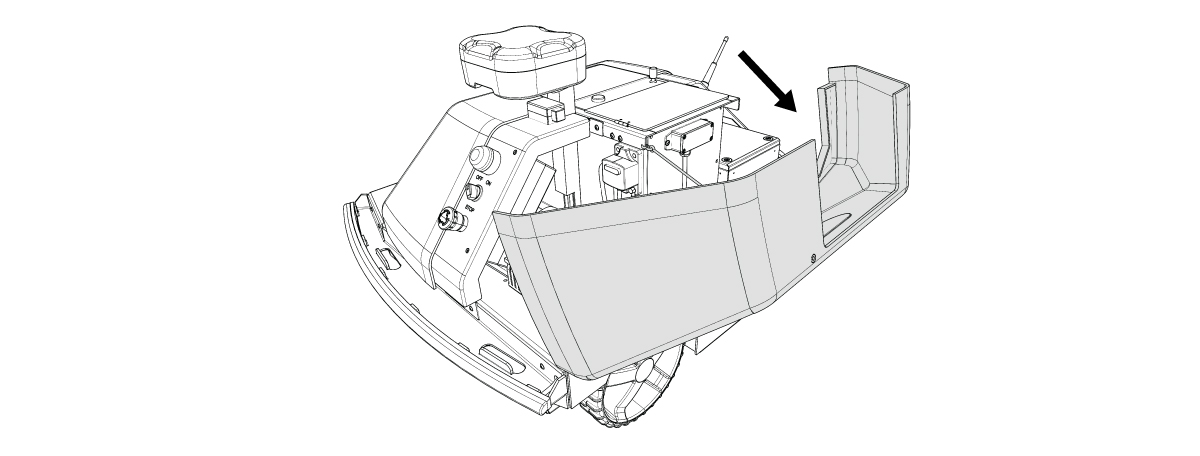
2. Open the Left Shield.
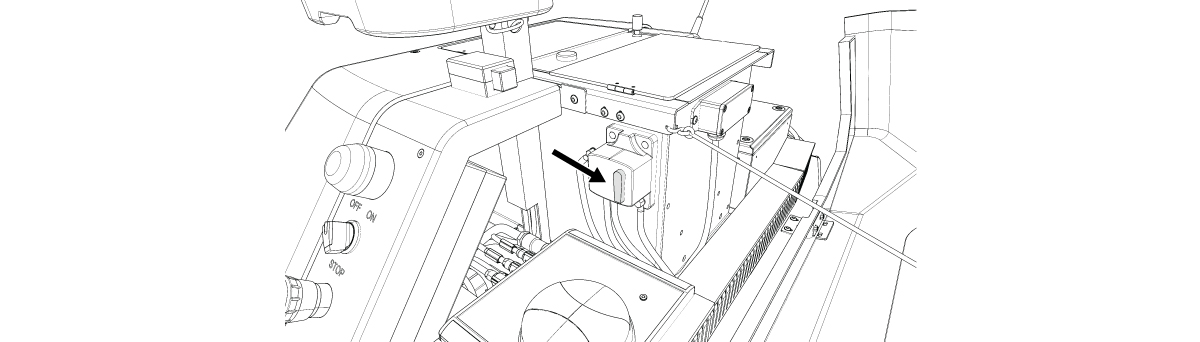
3. Flip the Power Breaker Switch so it points down.
4. Close the Left Shield.
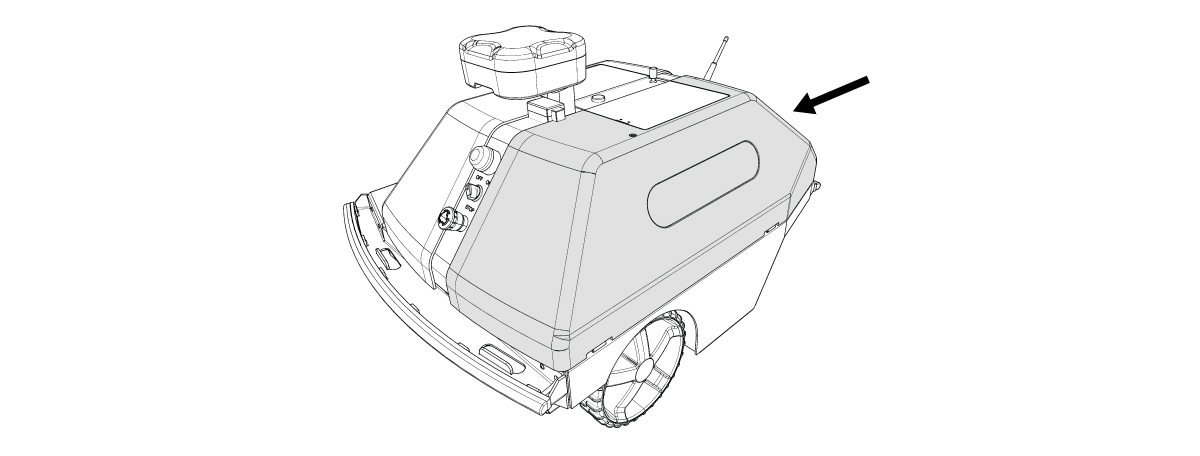
5. Turn the Ignition Switch to the ON position.