
Install Robot Battery
The battery is made to insert easily without turning the Robot off (the Robot movement must be paused or stopped to swap the battery). The battery slides into its compartment, connecting firmly and sitting securely with no latches or fasteners.
You can clearly see the battery’s charge status by pressing the lightning bolt button on the top, which is always visible.
Insert the Robot Battery
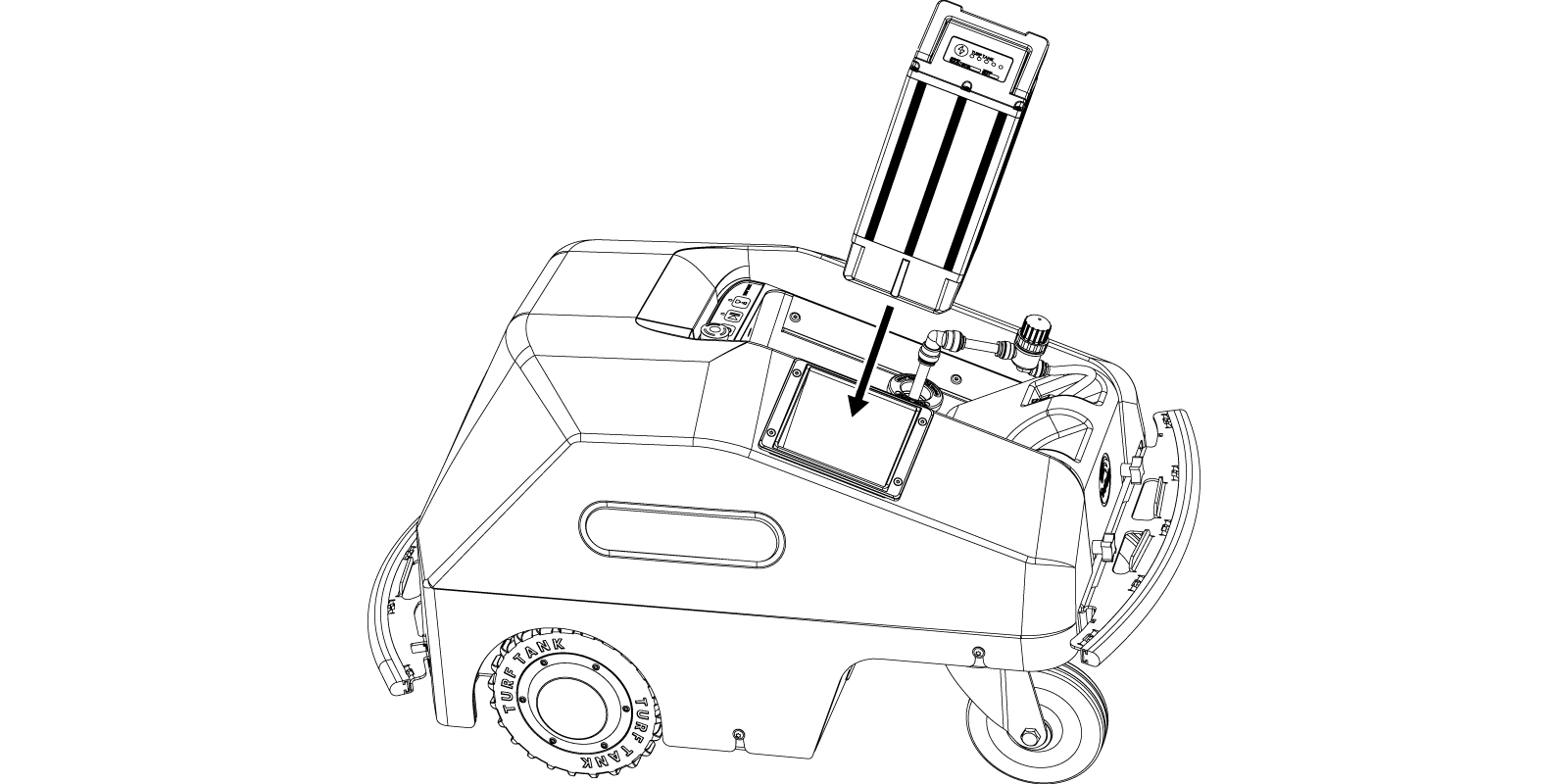
Position the Battery with the status indicator facing away from the paint compartment, the battery groove matching the groove in the battery slot, and the slope of the top of the battery aligning with the slope of the Robot shell.
Remove the Robot Battery After Use
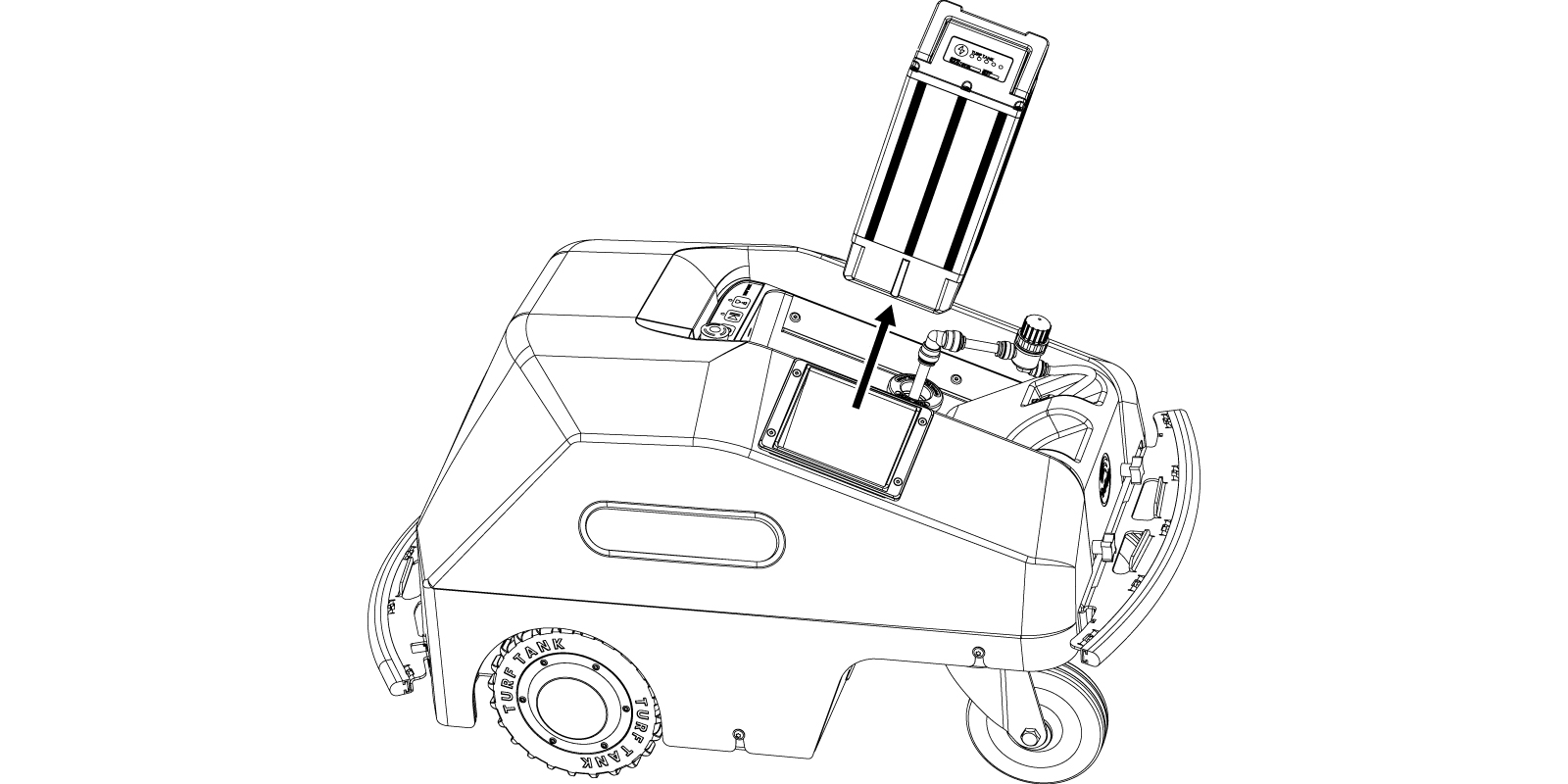
Turn off the Robot.
Remove the battery by pulling up on the battery handle.
Remove the Robot Battery During Operation
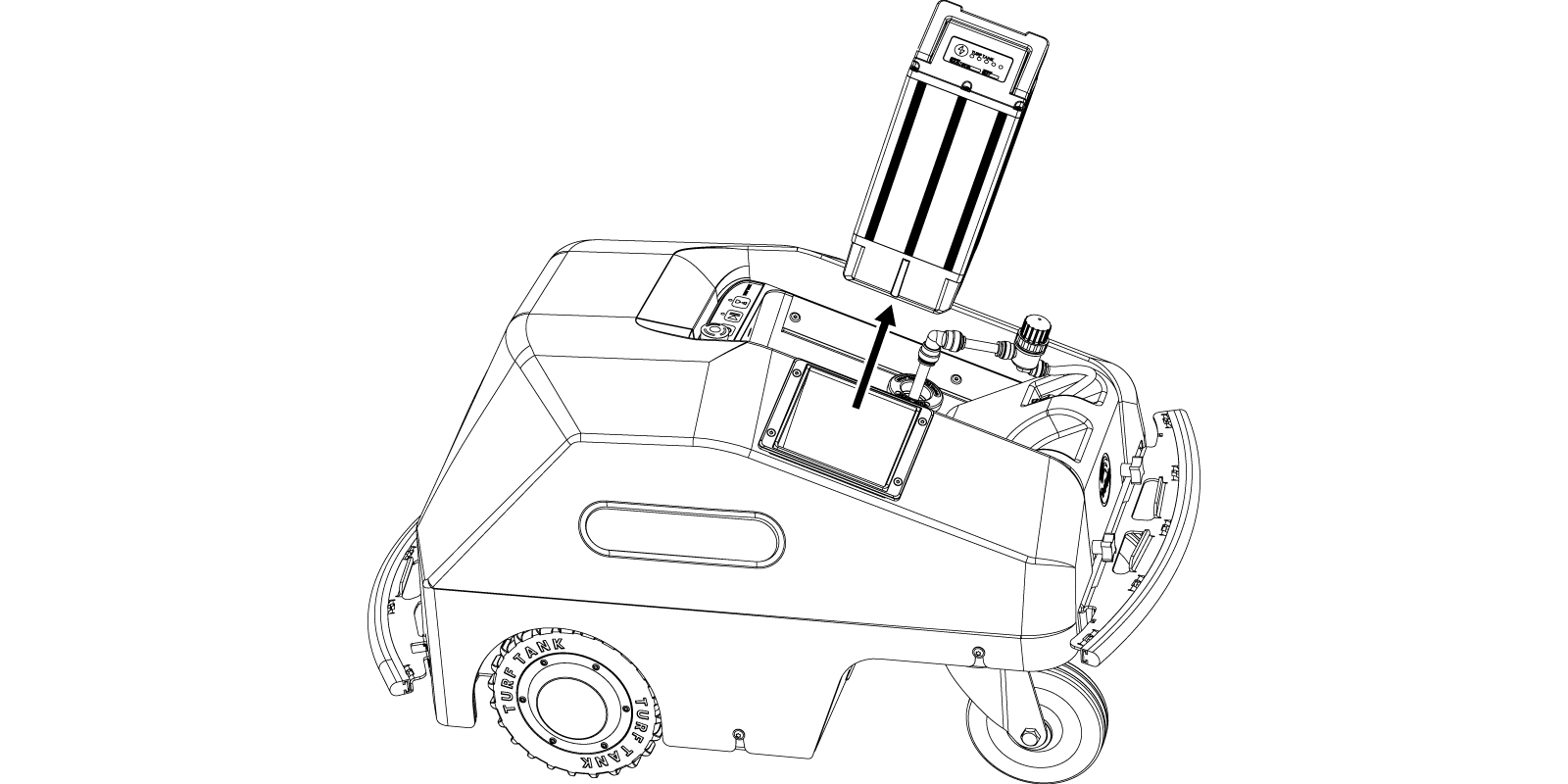
Pause the Robot.
Remove the Battery by pulling up on the battery handle.

An internal backup battery ensures that the Robot does not turn off if the Battery is removed while the Robot is still turned on.