
Prime the Paint System
Prime the Paint System Manually
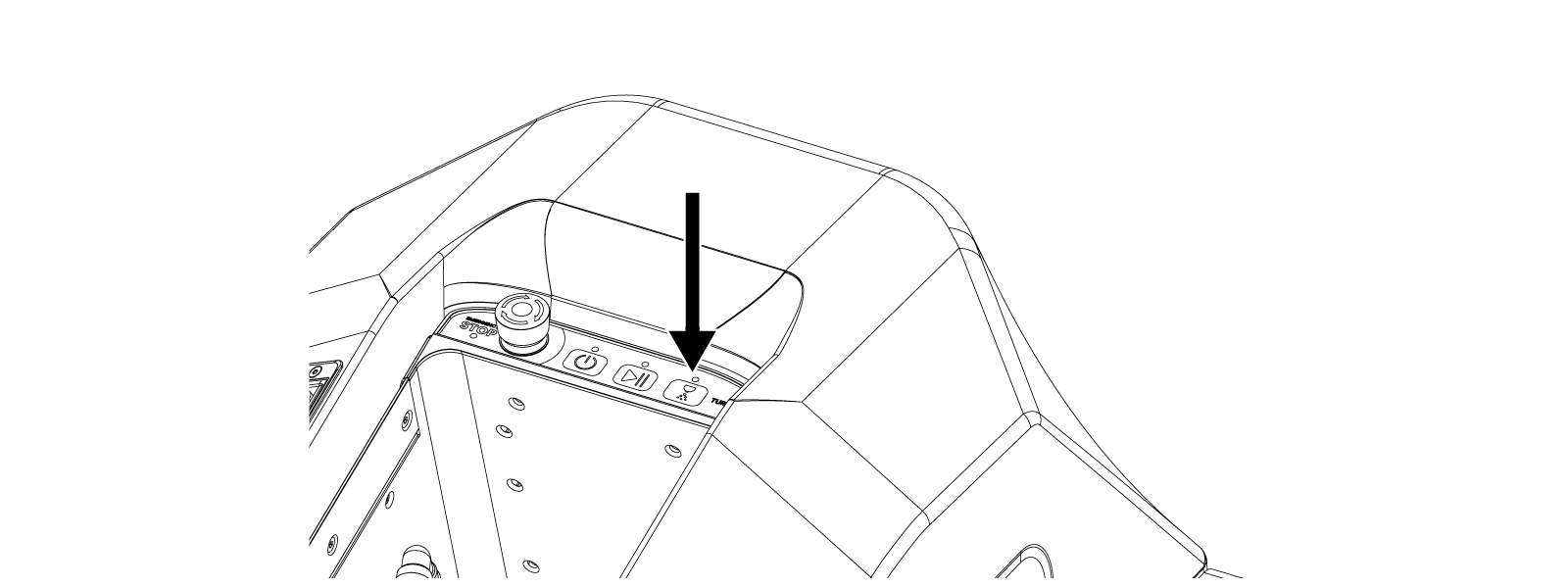
The Control Panel Spray button, shown below, provides manual control of the Robot’s paint sprayer.
Press the Spray button once to start the flow of paint. Press the Spray button again to stop the flow of paint.
To prime the paint system:
Press the Spray button once.
Wait until the flow of paint comes in a full stream and the nozzle is spraying at the desired width and strength.
Press the Spray button once to stop.
Press and hold the Spray button for five seconds to begin the paint-system cleaning process (see “CLEAN ROBOT PAINT SYSTEM”).
Prime the Paint System in the App
1. On the Home Screen select Quick Actions

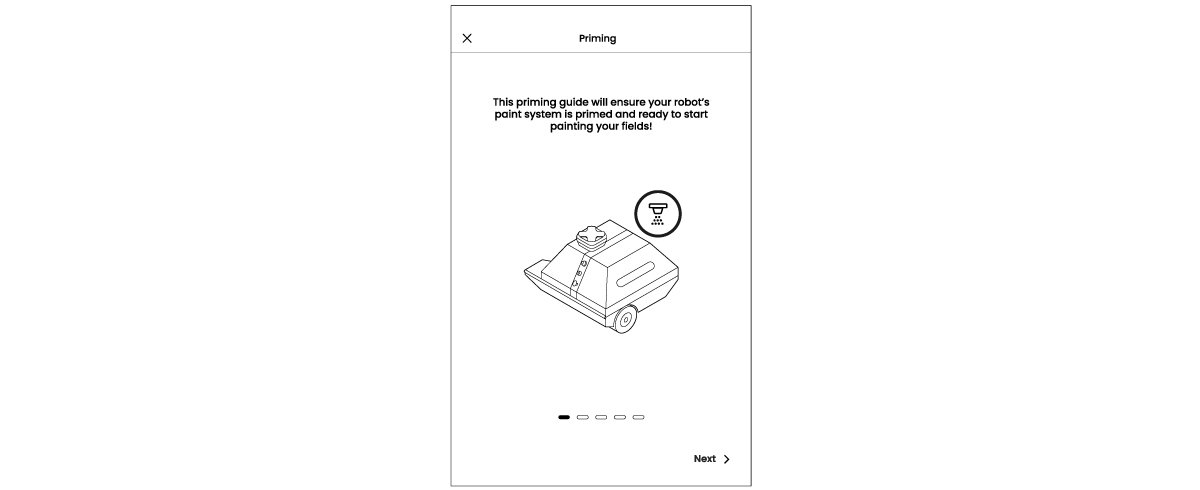
2. From the options, choose Priming.
3. The Priming Guide walks you step by step through the process.

Executing a layout can also prime the paint system.
When the Robot begins to execute the field layout, the paint may sputter or dribble out of the sprayer along the desired path.
After a few moments, once paint is flowing smoothly out of the sprayer, stop the Robot and restart painting the layout from the beginning.