
Safety Features
The Turf Tank Two (the “Robot”) has been designed to operate safely and easily. Some safety features are always active and others only activate during autonomous operation.
Indicator Lights
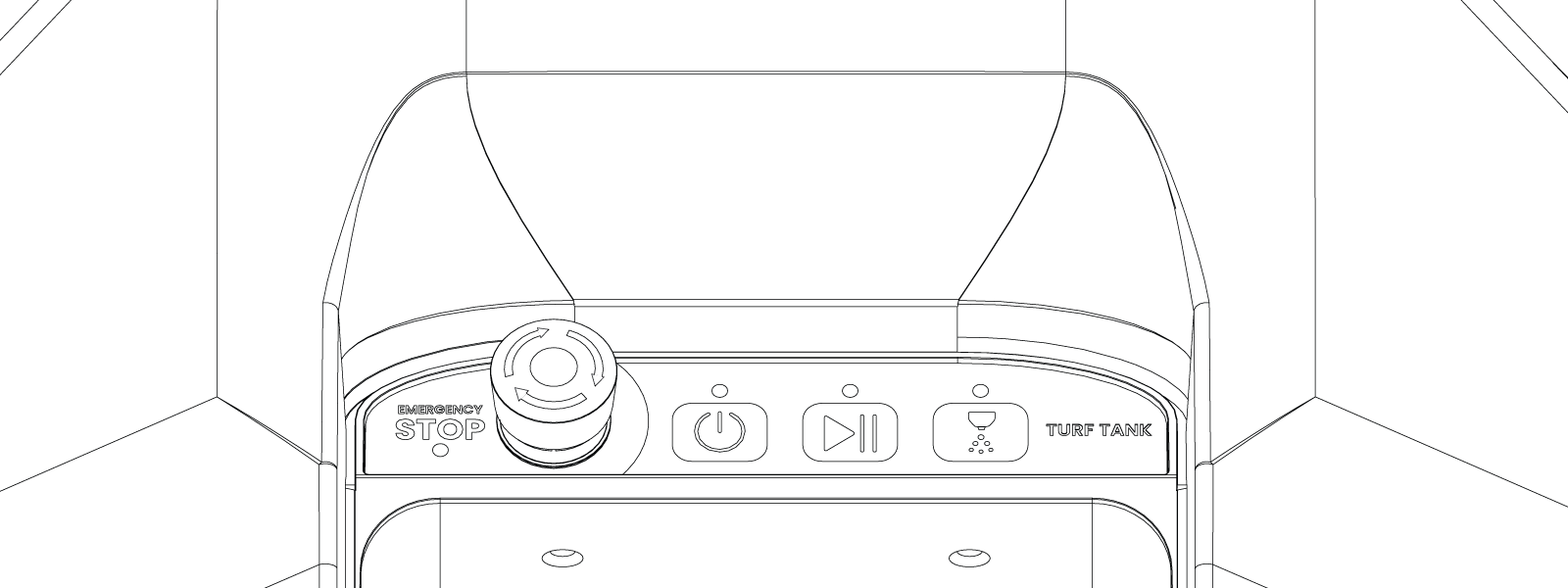
The light strip on the Control Panel on the top of the Turf Tank Two indicates its state and mode of operation. Please refer to the section “SAFETY WARNINGS AND MESSAGES” for a detailed description of the blink pattern meanings.
Emergency Stop Button
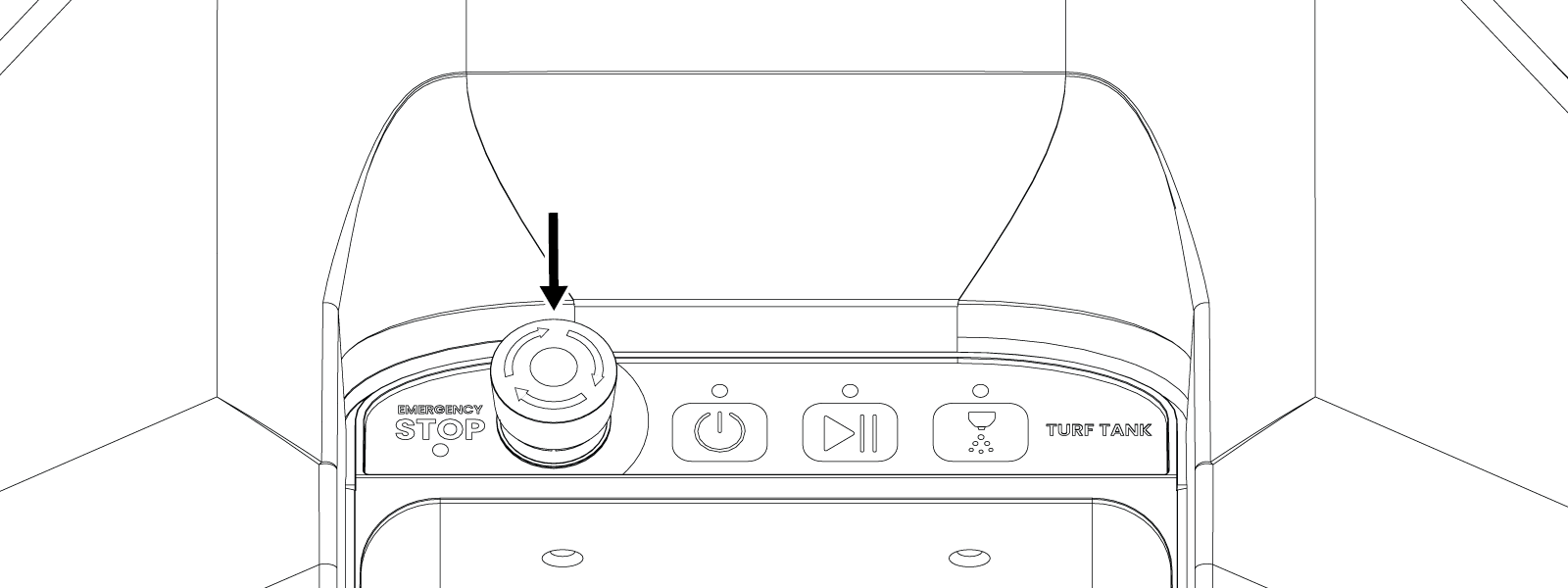
The Emergency Stop Button (sometimes called the E-Stop) is a large, red button located on the left side of Control Panel on the top of the Turf Tank Two. The E-Stop halts all Robot movement when pressed.
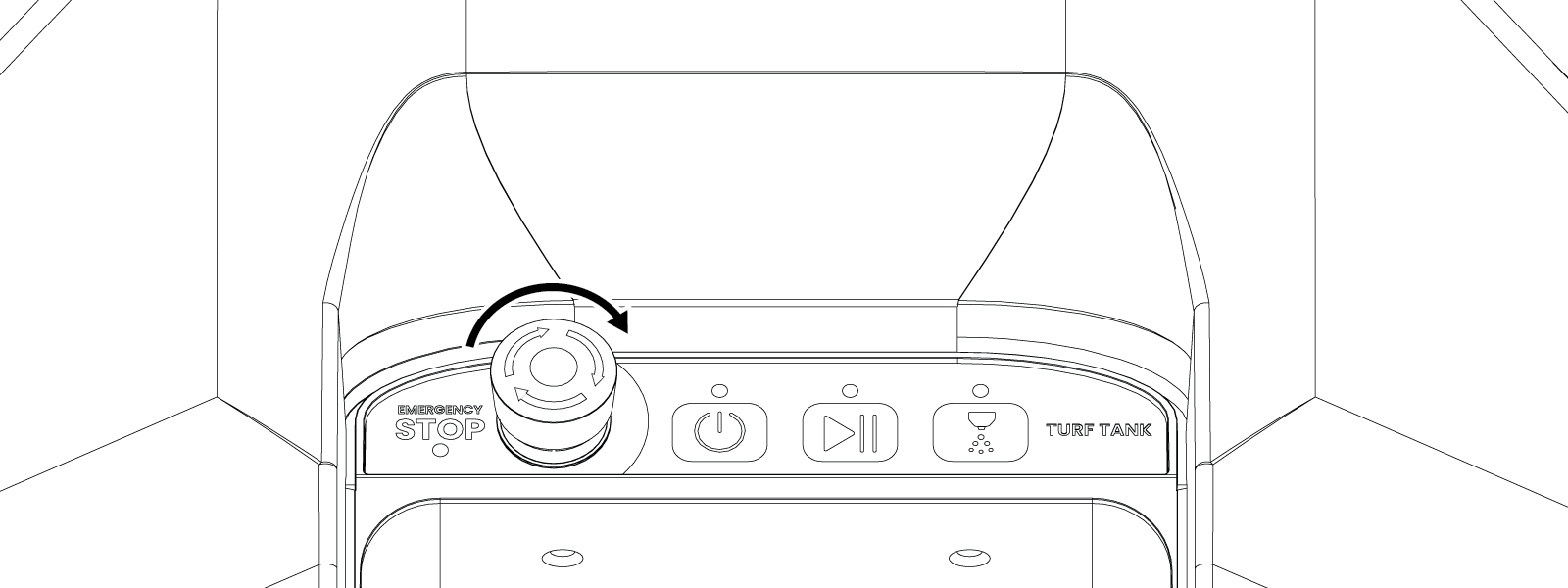
Normal operation cannot resume until the Emergency Stop Button is released. Release the Emergency Stop Button by turning it clockwise in the direction of the arrows.
Power Button
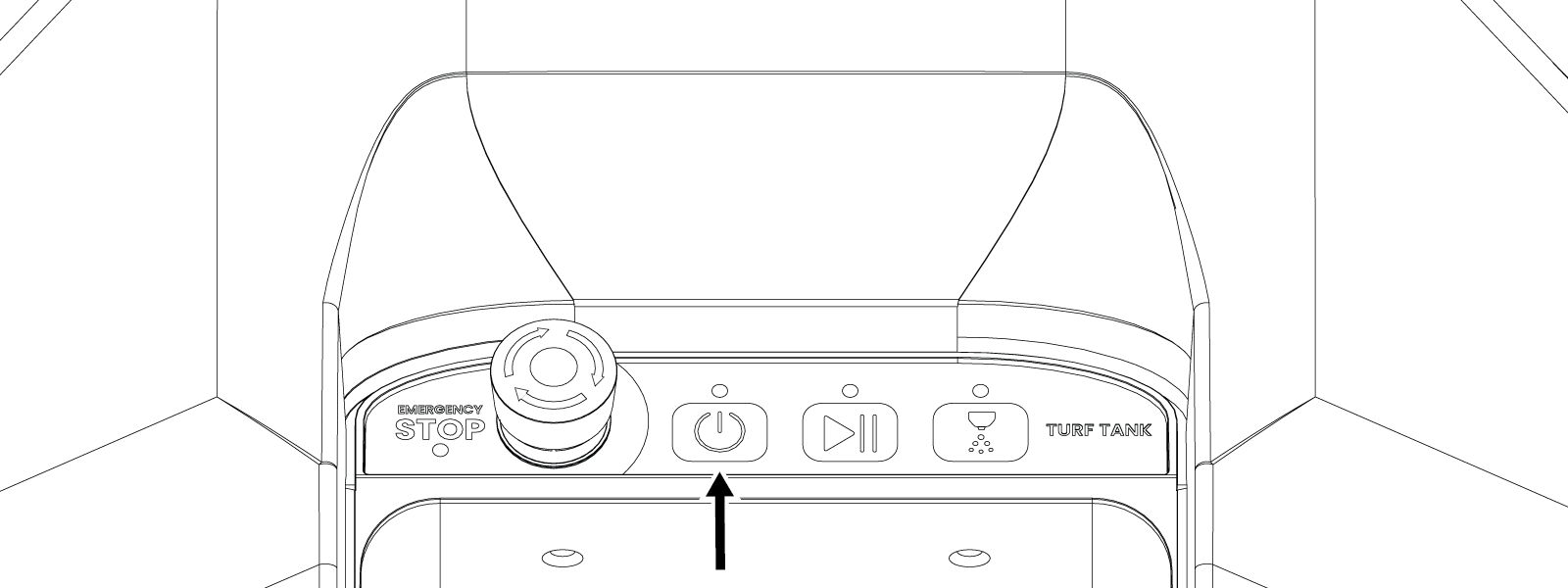
The Power Button is located on the Control Panel next to the large red Emergency Stop button.
Press and hold the Power Button for five seconds power on the Robot. Press and hold the Power Button for 5 seconds power off the Robot.
Front and Rear Bumpers
Front Bumper:
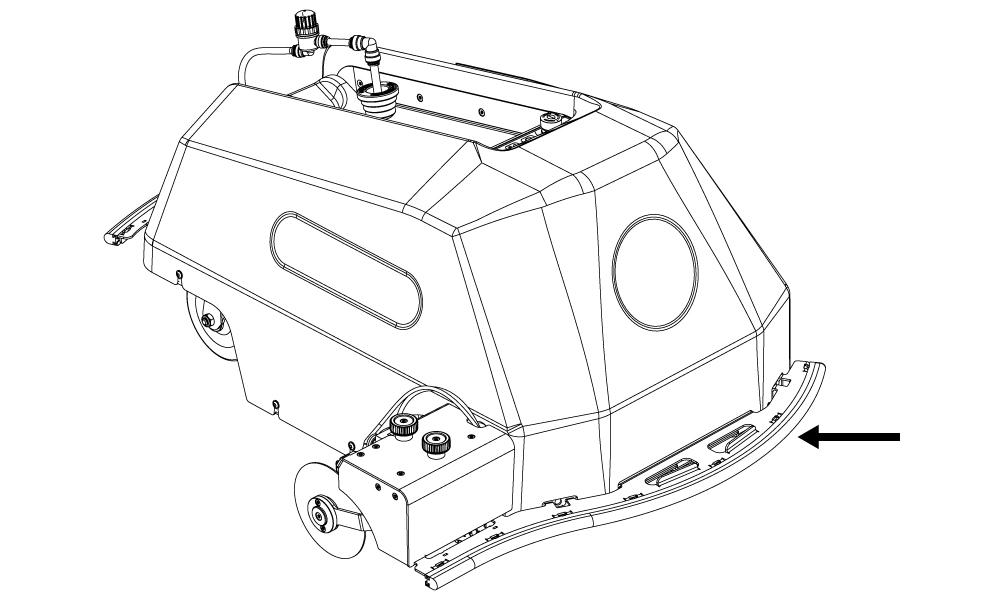
The Turf Tank Two is equipped with front and rear bumpers made of metal faced with soft rubber safety sensors that activate when the Robot encounters an obstacle. When the Bumper sensor activates, the Robot immediately pauses all operations and stops the motors.
Rear Bumper:
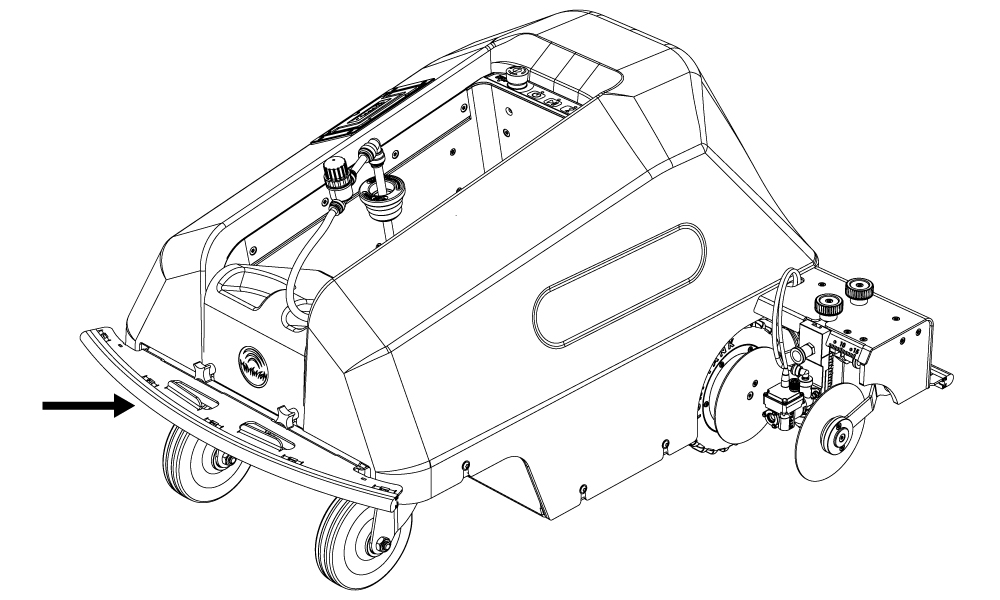
Each bumper plate on the Turf Tank One+ features two lifting handles.
To prevent injury or Robot damage the Robot, the Robot should be lifted by two people.