
Flushing the Paint System
Flush the Paint System
Remove the cap from the Inline Filter Housing.
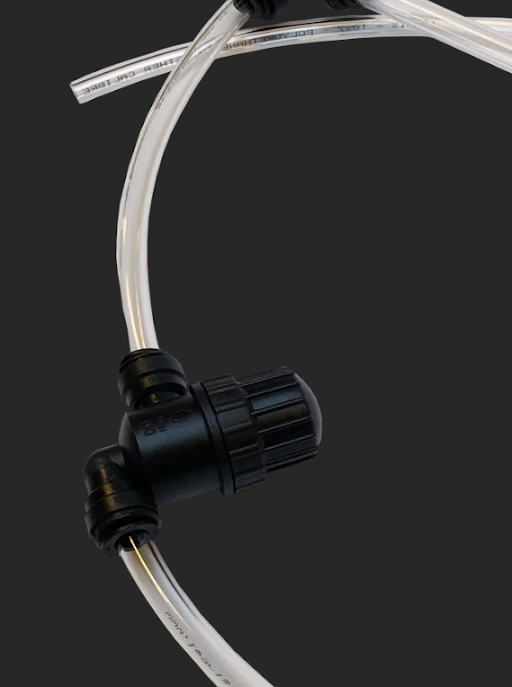
Check the mesh inline filter for debris or damage.
Replace if necessary.
Use a garden hose to pour water into the inline filter.
The Robot should be on, with its sprayer turned on (in Tools), while you do this.
Keep pouring water from the hose into the inline filter for up to five minutes or until water is coming through the sprayer head with no obstruction.
Once water pours cleanly through, replace the Inline Filter Housing cap.
Replace the sprayer nozzle assembly.
Ensure that the system is flushed and operational by running water through the system normally.
Flush the Pump
The final step if water still won’t flow after flushing the entire paint system.
Turn the Robot sprayer off.
Remove the small output tube from the pump.
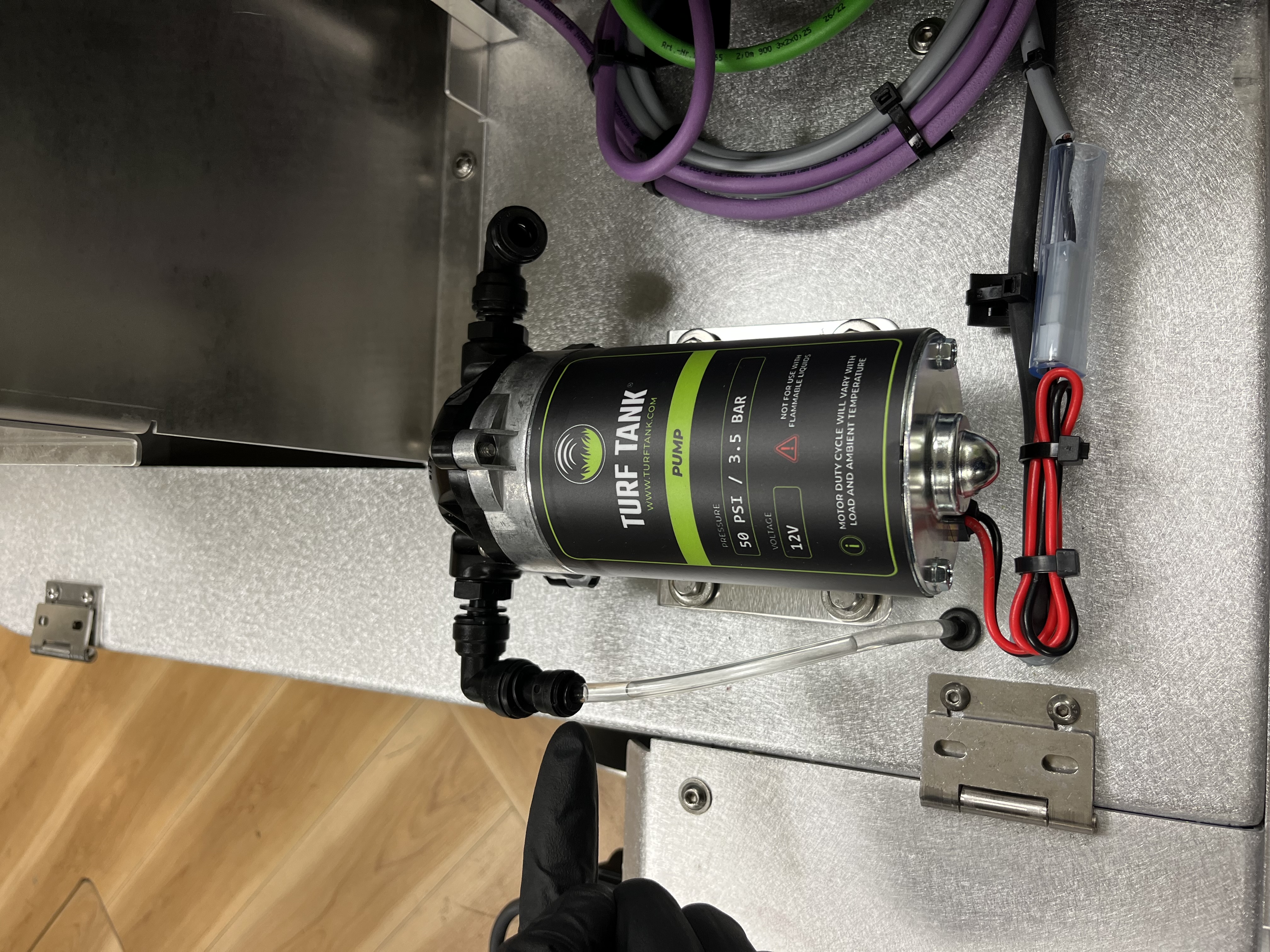
Pump output.
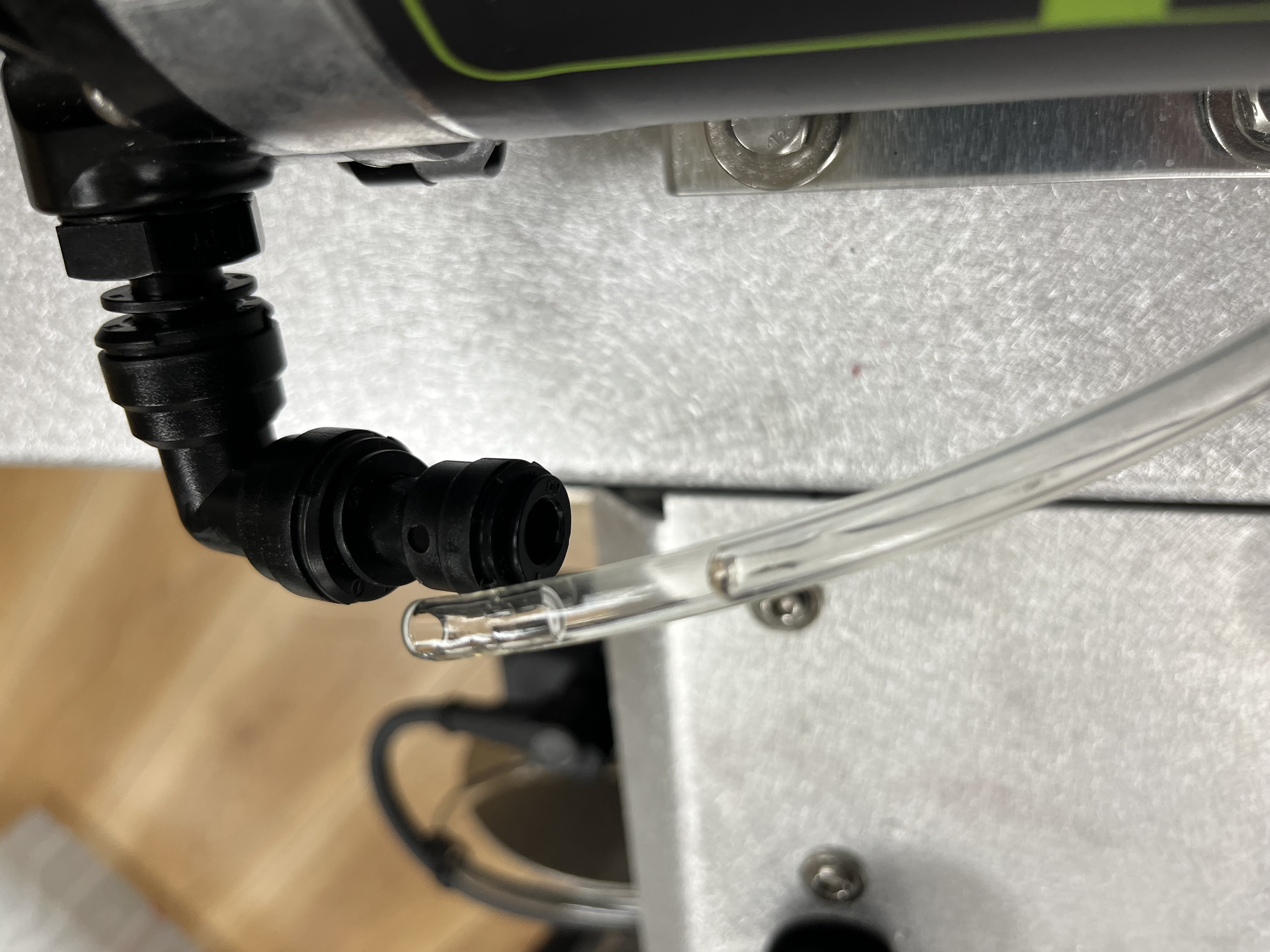
Pump output with tubing disconnected.
Lay down a towel under the pump output.
Follow the steps in Flush the Paint System above.
If nothing flows out of the pump after a couple of minutes of doing this, the pump will likely need to be replaced.